Car Check Valuation: How to Value Your Car by Reg Number
Learn how to run a car check valuation by reg and mileage, read private, part-exchange and dealer prices, and cross-check them before you sell.

Car Check Valuation: How to Value Your Car by Reg Number
To run a car check valuation, enter your registration number and exact mileage into a valuation checker, confirm it has found the right car, and read the private, part-exchange and dealer figures it returns. Then cross-check that number against live adverts and your car's history before you name a price. The whole job takes about ten minutes.
The problem is that a single number from a single tool can mislead you. Ask too much and your car sits unsold. Ask too little and you lose hundreds or thousands of pounds. Part-exchange offers are even harder to judge, because a dealer will rarely tell you how far the offer sits below the market.
This guide walks you through four steps, from gathering the right details to checking that your car's history supports the figure. Vehiclepedia is a UK vehicle history service, so we also cover the history checks that can quietly change what a car is worth.
Why value your car before you sell
A valuation tells you what a car like yours is likely to fetch right now, based on make, model, age, mileage and market demand. A free vehicle valuation from your reg takes the guesswork out of pricing and gives you a figure to hold against any offer.
What a reg-based valuation tells you
When you value a car by reg, the tool pulls your car's make, model, age and fuel type from the number plate. It combines them with the mileage you enter to estimate a used vehicle valuation drawn from current market data. This is why two identical cars with different mileage get different figures.
When a free valuation is enough
A free valuation is an estimate, not an offer. It is enough for setting an asking price, judging a part-exchange offer or deciding whether to sell at all. It cannot see dents, worn tyres or a missing service book, so a buyer's inspection can still move the price.
A valuation is your negotiating anchor, not a guaranteed sale price.
Step 1. Collect your reg and exact mileage
Before you open any tool, gather the reg and the exact mileage from the dashboard. Accuracy here decides how useful the result is.
Details to have in front of you
Have these ready:
- Registration number
- Current mileage, read from the dashboard today
- Fuel type, gearbox and trim level
- Service history, including the number of stamps or invoices
- MOT expiry date
- Number of previous owners
- Any damage, warning lights or modifications
Why exact mileage matters
Guessing the mileage is the most common mistake. A car shown at 40,000 miles when it has done 48,000 will return a figure that is too high, and you will be disappointed when a buyer checks. Read the odometer, not your memory. The mileage you enter should match your MOT history, because buyers will compare the two.
Step 2. Run your reg through a valuation checker
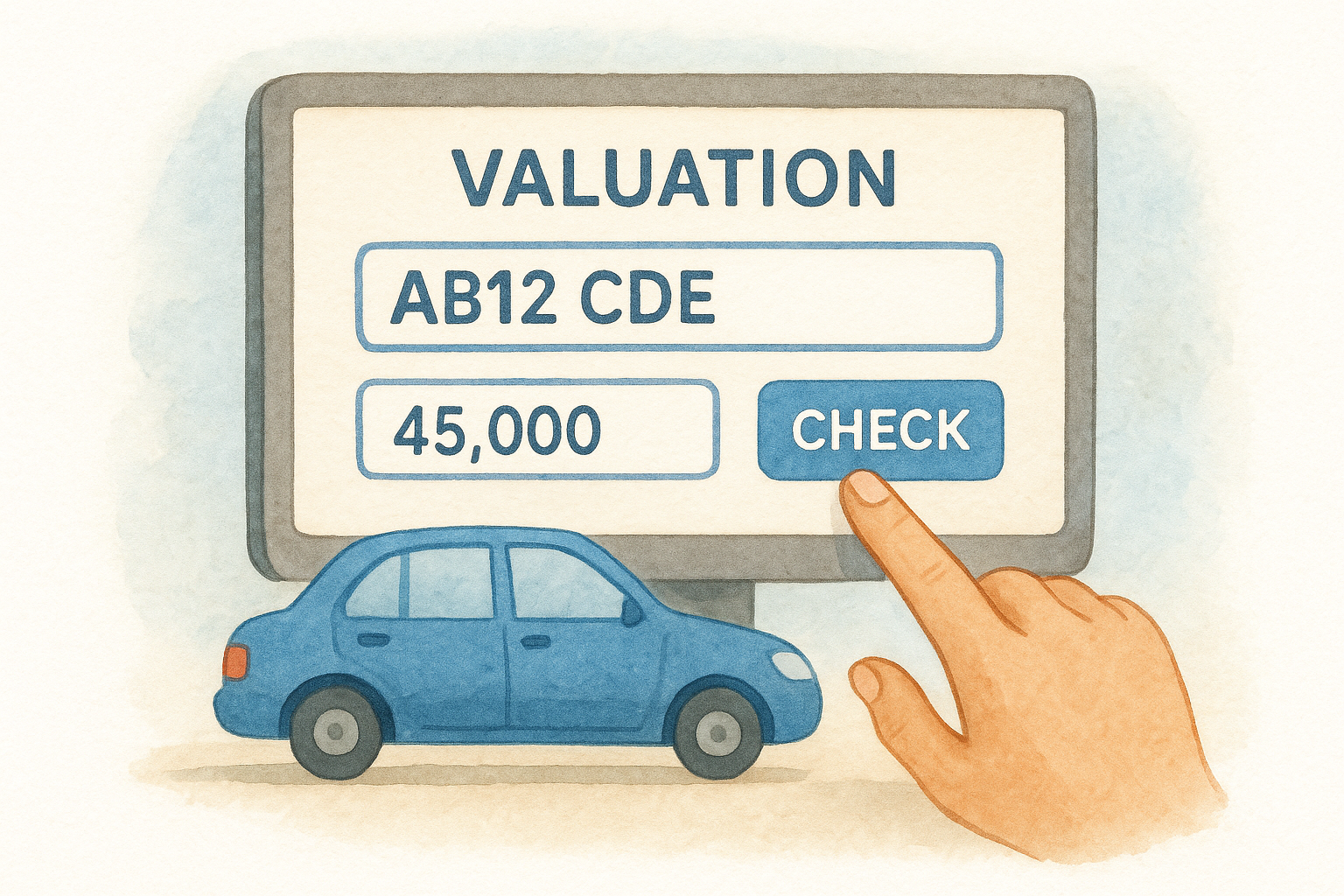
Enter your reg and mileage into a car valuation checker and wait for the result. Vehiclepedia's car valuation check finds the valuation of a vehicle from its registration number, and it is worth running two or three different tools to compare.
Enter the reg and mileage
- Open the valuation tool.
- Type your registration number without spaces.
- Enter your mileage where the tool asks for it.
- Choose whether you are buying or selling, if prompted.
- Submit and read the full result, not only the headline figure.
Check the tool found your car
Confirm the make, model, fuel type, colour and year before trusting the number. A different trim or engine size can shift the value noticeably. If the reg is not recognised, such as with a recently changed plate, select the make, model and year manually instead.
Always confirm the tool has identified your exact car before you trust its figure.
Step 3. Read the figures and adjust for condition
A good valuation gives you several prices, not one. Learn which price applies to your situation and then adjust for your car's condition.
Private, part-exchange, forecourt and quick sale
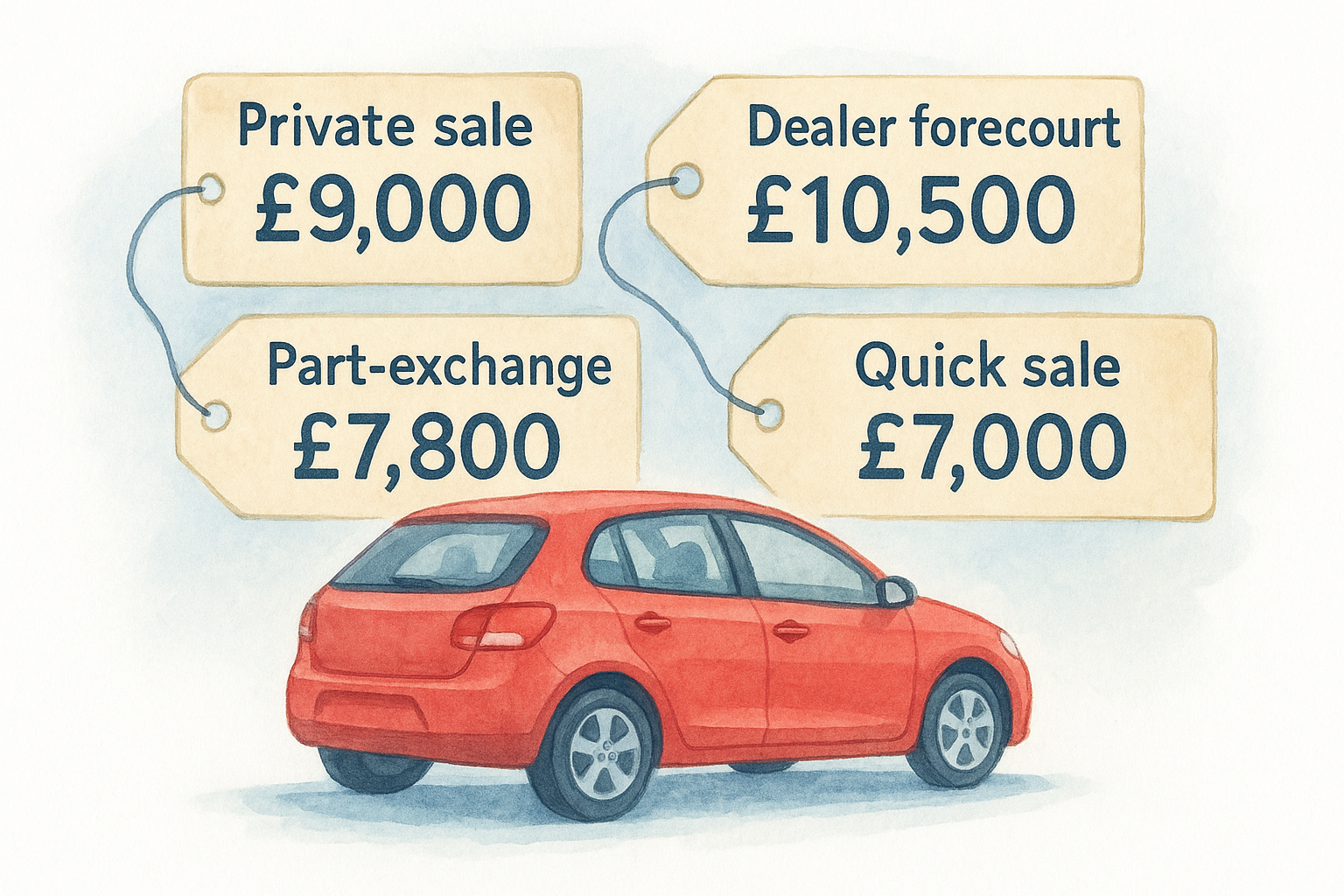
Most checkers split the result into four values. Here is what each means, with illustrative figures for a five-year-old hatchback with 45,000 miles:
| Value type | What it means | Example figure |
|---|---|---|
| Private sale | What you could expect from another individual | £9,000 |
| Dealer forecourt | What a dealer would ask for the car | £10,500 |
| Part-exchange | What a dealer would credit against your next car | £7,800 |
| Quick sale | What you might get for a fast sale | £7,000 |
In this example, choosing part-exchange costs you £1,200 against a private sale. If a dealer offers £8,500, that is £700 above the part-exchange figure but still £500 below private. You can then decide if the convenience is worth the gap.
What moves your car up or down
Condition and paperwork shift the headline figure. These push it up:
- No bodywork damage
- A full service history
- A desirable colour
- Extra tech such as a sat nav or parking camera
These pull it down:
- Modifications
- Scratches, dents and broken parts
- A missing MOT or gaps in the service record
- A high number of previous owners
Treat the private figure as your target and part-exchange as your floor.
Step 4. Cross-check the number and the car's history
Finish by testing the valuation against the real market and your car's recorded history. A figure that survives both checks is one you can defend.
Compare against live adverts
Search for cars with the same make, model, age, trim and similar mileage on the major advert sites. Remember that adverts show asking prices, not sale prices, so expect final deals to land a little lower. If your valuation sits far from the adverts, recheck your mileage and trim.
Make sure the history supports the value
A write-off record, outstanding finance or mileage discrepancy can wipe out a car's value. Buyers will run a check on your car, so run one first. Vehiclepedia's free check shows MOT history, export status, recalls, make and model, and tax and emissions. The £6 Premium Check adds police, finance and write-off checks, ownership history, plate and colour changes, and mileage history. Our Genuine Mileage Check also tests the recorded mileage against official records.
Premium reports carry a data guarantee of up to £30,000 for non-trade users, and the data is updated nightly from official sources.
A valuation only holds if the car's history is clean.
Know your number before you talk price
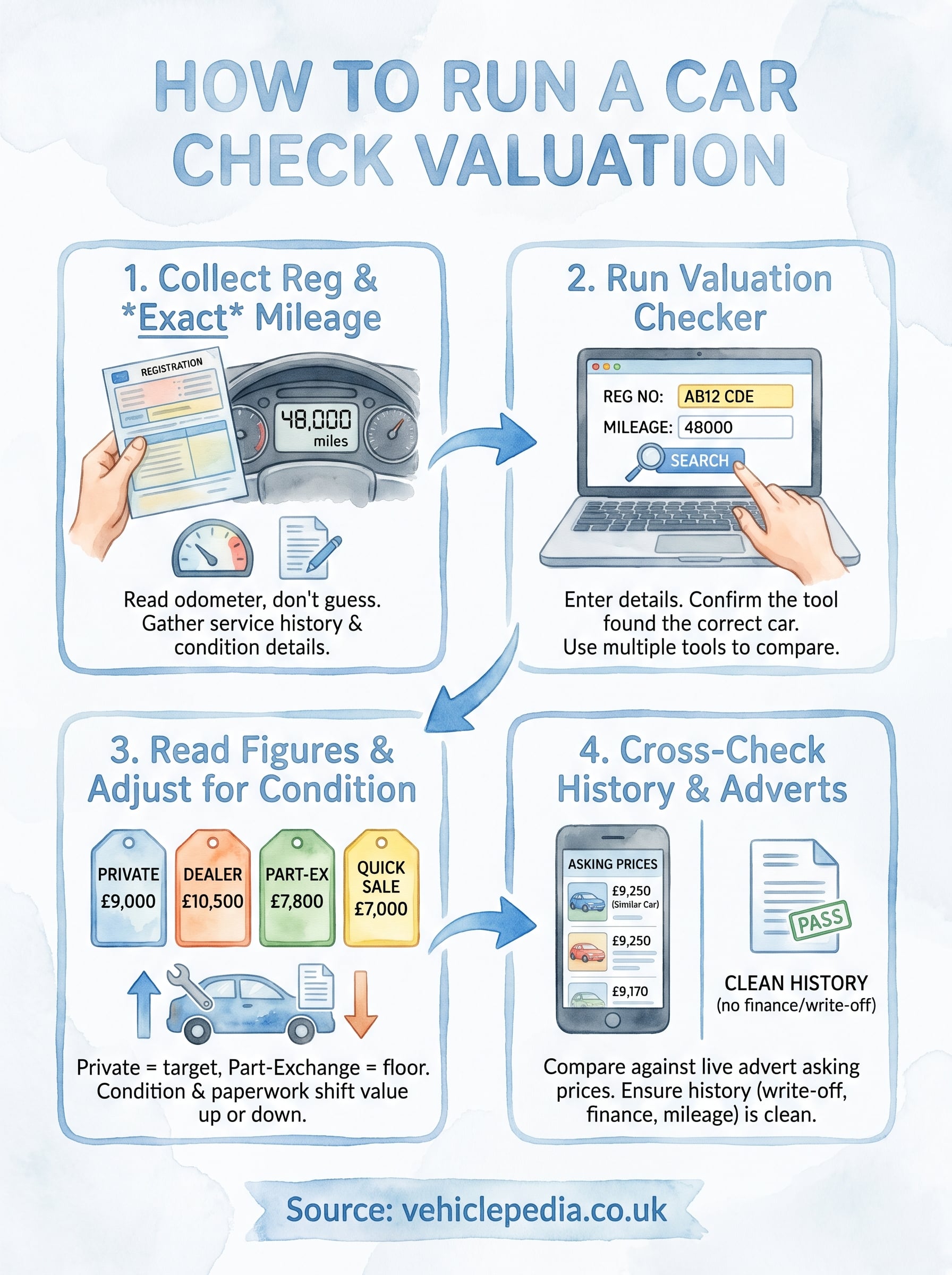
Value your car in four steps: collect the reg and exact mileage, run it through a valuation checker, read the private, part-exchange and dealer figures against your car's condition, then cross-check with live adverts and its history. Do that and you will never walk into a negotiation guessing.
Before you list the car or visit a dealer, see what a full history report shows with the Vehiclepedia sample report. It shows you exactly what a buyer will find about your car.