Car Registration Lookup UK: Check MOT, Tax, History Fast
Use our reg checker to view MOT, tax and history free, then add finance, theft and write-off checks before buying a used car.
Car Registration Lookup UK: Check MOT, Tax, History Fast
Running a car registration lookup UK search is one of the smartest moves you can make before buying a used vehicle. A single registration plate can reveal a car's MOT history, tax status, mileage records, and whether it's been written off or reported stolen, details that sellers don't always volunteer.
The problem is knowing where to look and what the results actually mean. Official databases hold the answers, but the information is spread across multiple sources, and not every check covers the same ground. That's where things get confusing for most buyers, especially first-time purchasers navigating the process alone. Whether you type it into a reg checker, run a car reg checker, or search for a UK reg number check, the process pulls from the same official sources. The difference is only in how much detail each one shows you.
This guide walks you through exactly how to run a registration lookup, what each data point tells you, and how to spot red flags. We'll also show you how Vehiclepedia pulls data from trusted sources like the DVLA and UK police databases to give you a clear picture of any vehicle's history, with many checks available completely free.
What a UK car registration lookup can tell you
A car registration lookup UK search retrieves data linked to a specific registration plate from official UK sources. Every vehicle carries a unique registration that connects directly to DVLA records, MOT history databases, and insurance registers, meaning one plate number can surface years of verified information about a car's past. People search for this in different ways, a registration number check, a reg check UK, or simply checking a reg, but they all mean pulling the same official data linked to that plate.
What the free checks cover
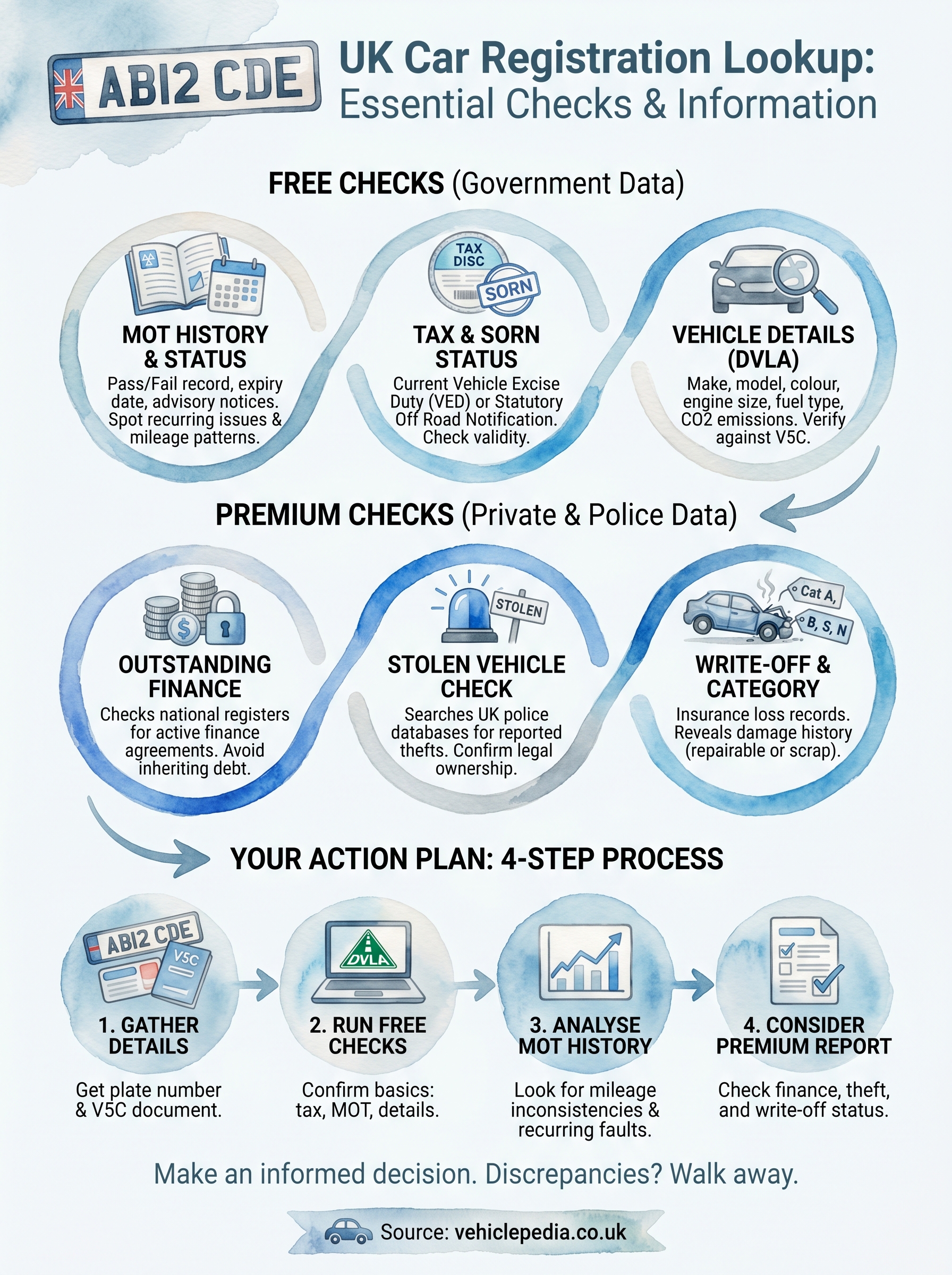
Free lookups give you a solid foundation before you commit to anything. When you enter a registration plate, you get access to MOT status, tax (Vehicle Excise Duty) status, and SORN records, alongside the vehicle's make, model, colour, and engine size, the car specs by reg that every free lookup returns. You can also see the MOT expiry date and, in most cases, a full MOT history showing previous test results and any advisory notices the testing centre flagged. This full record, often called a reg history or a DVLA car history check, is public information you can access for free with just the plate number.
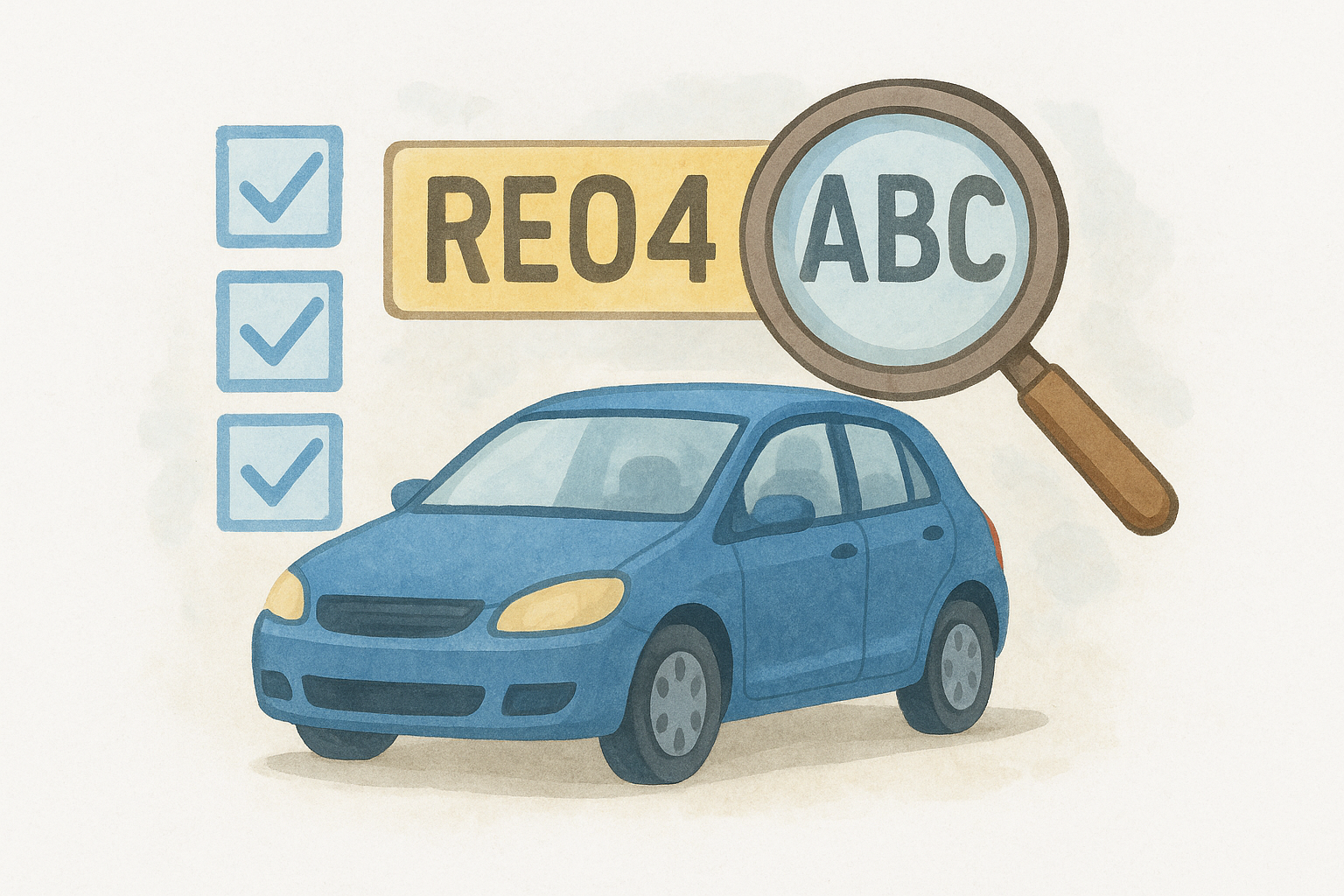
MOT history is especially useful because repeated failures or recurring advisories on the same component can signal an underlying mechanical problem the seller hasn't mentioned.
Beyond status checks, fuel type, CO2 emissions, and vehicle age are also included in free data, which matters if you're calculating running costs or checking whether a car qualifies for clean air zone charges.
What premium checks add
Paid checks go further into areas that aren't publicly accessible. A premium report confirms whether a vehicle has outstanding finance registered against it, which legally transfers to you as the new owner if you skip this step. It also reveals whether the car appears on the UK police stolen vehicle database and whether insurers have ever written it off and placed it in a damage category.
Here's a quick breakdown of what sits at each level:
| Check type | Free | Premium |
|---|---|---|
| MOT status and history | Yes | Yes |
| Tax and SORN status | Yes | Yes |
| Vehicle details (make, model, colour) | Yes | Yes |
| Outstanding finance | No | Yes |
| Stolen vehicle check | No | Yes |
| Write-off and category check | No | Yes |
Step 1. Gather the details you need
Before you run a car registration lookup UK search, you need two things within reach: the vehicle's registration plate and, ideally, the V5C logbook. The plate alone is enough to start most checks, but having the logbook lets you cross-reference what the database returns against what the seller is telling you.
Find the registration plate
The registration plate appears on both the front (white background) and rear (yellow background) of the vehicle. UK plates follow a standard format: two letters, two numbers, a space, then three letters, for example, AB12 CDE. If you're viewing the car in person, photograph the plate so you have an accurate record to type in later. You'll need this exact reg whether you're running a quick registration check or a full car registration lookup UK report, so accuracy at this stage saves you time later.
Always double-check the plate you enter character by character. A single wrong digit will return data for a completely different vehicle.
Confirm the V5C details
The V5C registration certificate lists the registered keeper, vehicle make, colour, and engine size, and a V5C logbook check confirms those entries against official records. Use these details to verify that the lookup results match what's on the document. Any discrepancy between the V5C and the database record is a red flag worth investigating before you go further.
Step 2. Check DVLA details, tax and SORN
The DVLA holds the official record for every registered vehicle in the UK, including tax status, SORN declarations, and core details like colour and engine size. When you run a car registration lookup UK check, these results confirm the vehicle exists in official records and flag any immediate legal issues. This is essentially a way to check DVLA vehicle details online: every data point traces back to the same government register, whether you access it through GOV.UK directly or through a lookup service like Vehiclepedia.
Check vehicle tax status
A car tax check by reg pulls the Vehicle Excise Duty (VED) record, which shows whether the car is currently taxed or carries an active SORN (Statutory Off Road Notification). A SORN means the car is legally declared off the road and cannot be driven on any public road.
If a seller presents a SORN vehicle as road-ready, ask for a clear explanation before you go any further.
Key things to confirm from the tax check:
- Expiry date of the current tax period
- Whether a SORN is active on the vehicle
Confirm registered details match
Cross-reference the make, model, colour, and engine size returned by the lookup against both the V5C logbook and the physical car in front of you. Any mismatch in these recorded details suggests a potential plate clone or undisclosed modification, both of which need investigating before you buy.
Details to compare point by point:
- Colour as recorded vs physical colour
- Engine size on the V5C vs DVLA record
- Make and model vs what the seller advertised
If you want an extra layer of certainty, compare the Vehicle Identification Number (VIN) stamped on the chassis against the V5C, since VIN mismatches are another common sign of a cloned plate.
Step 3. Check MOT status and MOT history
The MOT record is one of the most revealing parts of any car registration lookup UK search. Every vehicle over three years old must pass an annual MOT test, and the full test history is stored in a publicly accessible database maintained by the Driver and Vehicle Standards Agency (DVSA).
Read the current MOT status
Your first check is straightforward: run a free MOT check to confirm whether the car holds a valid MOT certificate and note the exact expiry date. A vehicle with an expired MOT cannot legally be driven on public roads, except to a pre-booked test appointment.
If the MOT expired recently, factor in the cost of a new test and any likely repairs before committing to a purchase price.
Dig into the MOT history
Past test results show you mileage readings at each test, which is one of the most reliable ways to detect odometer fraud. Compare the recorded mileage year by year. Any figure that drops or stays implausibly flat across multiple tests points directly to clocking, one of the clearest signs a car has been clocked.
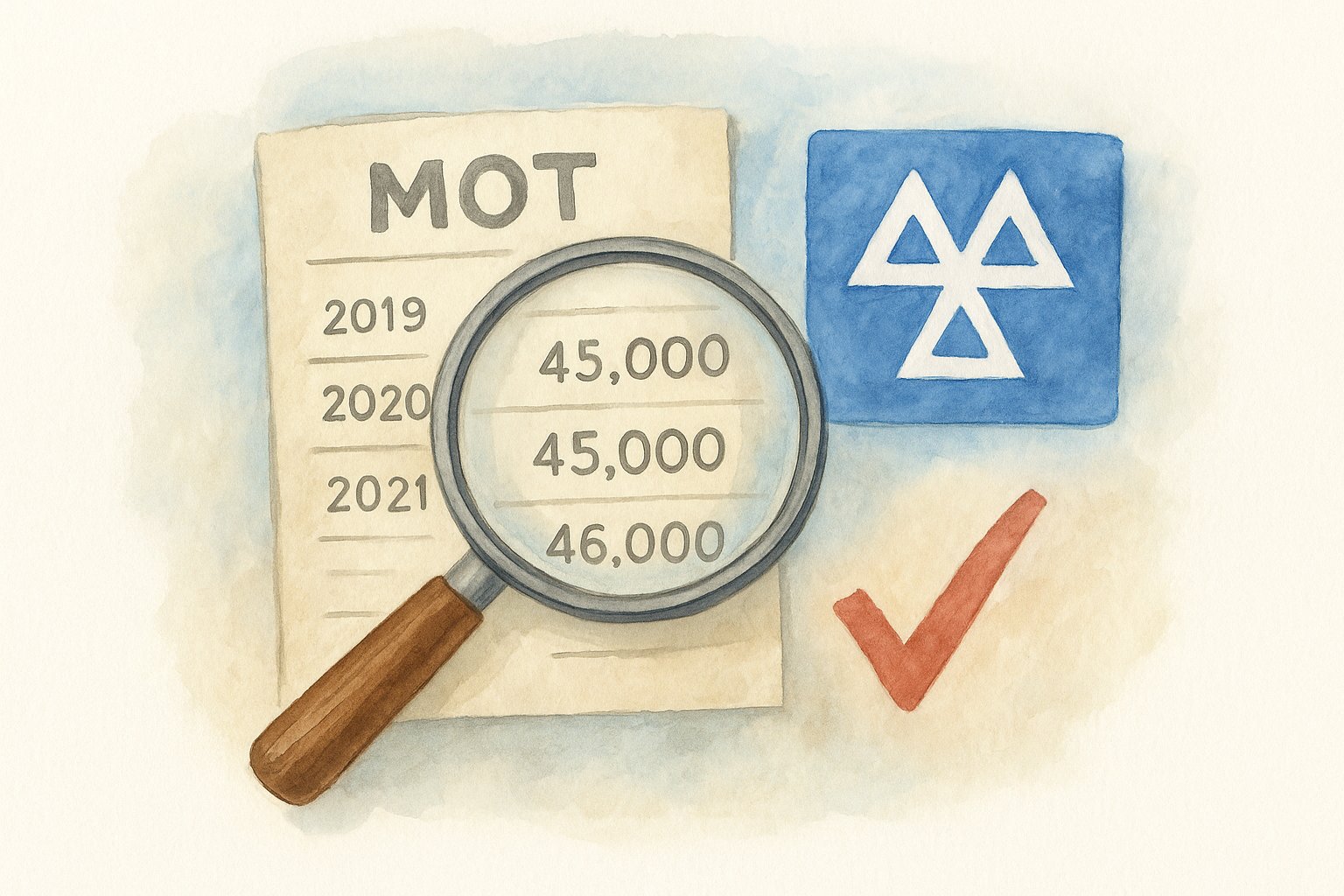
Look for these patterns across the full history:
- Recurring advisories on the same component across multiple tests
- Failed items that appear and then vanish without a clear repair explanation listed
Step 4. Check finance, theft and write-offs
These three checks sit behind a paywall for good reason: they access private registers that free government tools don't cover. Running a full car registration lookup UK search through a premium service like Vehiclepedia brings all three into a single report, saving you from querying multiple separate databases manually.
Check outstanding finance
Outstanding finance means a lender still owns a legal interest in the vehicle. If you buy a car with finance attached, that debt follows the car, not the previous owner. This check queries the national finance register to confirm whether any active agreements are recorded against the plate, which is how you check for finance owed on a car before buying. This step matters just as much as any registration check, because finance and stolen records never show up in DVLA data or free MOT history checks.
- Confirm the finance is fully settled before exchanging any money
- Ask the seller to provide a settlement letter from the lender if a record appears
Check stolen status and write-off categories
To check if a car is stolen online, the search queries the UK police database directly to flag whether a car has been reported. A write-off check shows whether insurers have assigned a damage category (A, B, S, or N) to the vehicle after a previous accident.
Category A and B write-offs must never return to the road, so either result should end your interest immediately.
Next steps
Running a car registration lookup UK check is the single most effective step you can take before handing over money for a used car. The free checks give you MOT history, tax status, and registered vehicle details in seconds, while a premium report adds finance, theft, and write-off data that private sellers won't disclose voluntarily.
Your action plan is simple: grab the registration plate, run the free check first to confirm the basics match what the seller told you, then decide whether the premium checks are worth it based on what you find. For any vehicle you're seriously considering, the premium report costs far less than inheriting someone else's debt or buying a car that's already been written off. Always treat the results as non-negotiable: if the data doesn't line up with what the seller is telling you, walk away. However you found this guide, whether you searched reg checker, registration check, or car registration lookup UK, the goal is the same: confirm the car matches its official record before your money changes hands.
Not sure what a full report looks like before you pay? See a full vehicle report example on Vehiclepedia to see exactly what data you get and how each check is presented before you commit to anything.