DVLA Vehicle Check Free: How To Check Tax, MOT, Details
Use a DVLA vehicle check free to verify MOT history, tax status, and car specs. Learn how to spot mileage clocking and hidden issues before you buy.

DVLA Vehicle Check Free: How To Check Tax, MOT, Details
A DVLA vehicle check free of charge should be one of your first moves before handing over money for a used car. Whether you want to know if the tax is up to date, dig into the MOT history, or double-check what the seller has told you against the official record, the DVLA publishes this data openly, and you don't need to register or log in anywhere.
Here's the snag: most buyers have no idea how much they can pull for free, or where to look for it. Some pay for reports that duplicate information already free, while others skip the checks entirely and get caught out because they never knew what to look for.
This guide takes you through every free check available via official UK government tools, explains what each result actually means, and shows you exactly where the free data runs out, and where a fuller report, like the ones we produce at Vehiclepedia, picks up the slack. You'll learn how to check tax status, MOT records, registration details, and spot warning signs before they become expensive mistakes.
What a free DVLA check can tell you
The UK government makes official vehicle records freely available through its online services. Every time you run a dvla vehicle check free through these tools, you're pulling data straight from the Driver and Vehicle Licensing Agency's own database, the same source garages, dealers, and insurers use daily.
Tax status and registration details
The DVLA's Vehicle Enquiry Service confirms whether a car is currently taxed and tells you the date that tax runs out. It also displays the registered colour, engine size, year of manufacture, and flags whether a Statutory Off Road Notification (SORN) applies. The whole thing takes roughly 30 seconds, and all you need is the registration plate.
Here's a quick summary of what the check covers:
| Data point | What it tells you |
|---|---|
| Tax expiry date | Whether the car is legal to drive today |
| SORN status | Whether the vehicle is declared off-road |
| Registered colour | Useful for spotting a resprayed body |
| Engine size and fuel type | Confirms the seller's description |
| Year of manufacture | Cross-checks the seller's claimed age |
MOT history
The government's MOT history checker pulls up a complete log of every MOT test carried out on the vehicle since 2005. Each record shows the result, the mileage logged at that test, any advisories, and the reasons behind failures.
Comparing mileage across MOT tests is one of the most dependable ways to catch clocking, where someone has wound back the odometer to make a car look less used than it is.
Advisories from past tests are also worth reading closely, since they point to faults or wear that keep coming back, details a seller might conveniently leave out. When the same problem shows up test after test, treat it as a genuine weak spot in that car, not bad luck.
Before you start: what you need
A dvla vehicle check free takes under a minute once you're set up, but sorting out the right details beforehand saves you a lot of faffing about. The two government tools draw on separate databases, so having everything to hand means you won't have to pause halfway through to hunt for information.
The vehicle registration number
Every search begins with the full registration plate. Type the letters and numbers exactly as they're shown on the vehicle. The DVLA system doesn't tolerate formatting errors, so one wrong character can return nothing at all or bring up an entirely different car.
Read the plate straight off the car itself rather than trusting paperwork, since sellers sometimes jot down the wrong registration by accident.
If you're viewing a used car, snap a photo of both plates while you're there. That way you've got an accurate reference for running the check afterwards, rather than trying to remember it.
The V5C logbook (optional but useful)
You don't strictly need the V5C for a free check, but keeping it on hand lets you compare the registered keeper's details and the vehicle identification number (VIN) against what the DVLA has on file. Any discrepancy between the two counts as a red flag worth chasing before you go any further.
Make sure the VIN stamped into the car lines up with both the logbook and the check results. If those three don't all match, treat it as a genuine concern rather than a simple clerical slip.
Step 1. Run the DVLA vehicle enquiry
The government's Vehicle Enquiry Service sits on the GOV.UK website and is completely free to use. You don't need an account, and there's no limit on how many searches you run, making it a practical starting point for any dvla vehicle check free.
How to use the Vehicle Enquiry Service
Go to gov.uk/check-vehicle-tax and enter the full registration number in the search box. The system accepts standard UK formats, so type the plate exactly as it appears on the car, including any spaces, then click Get vehicle information.
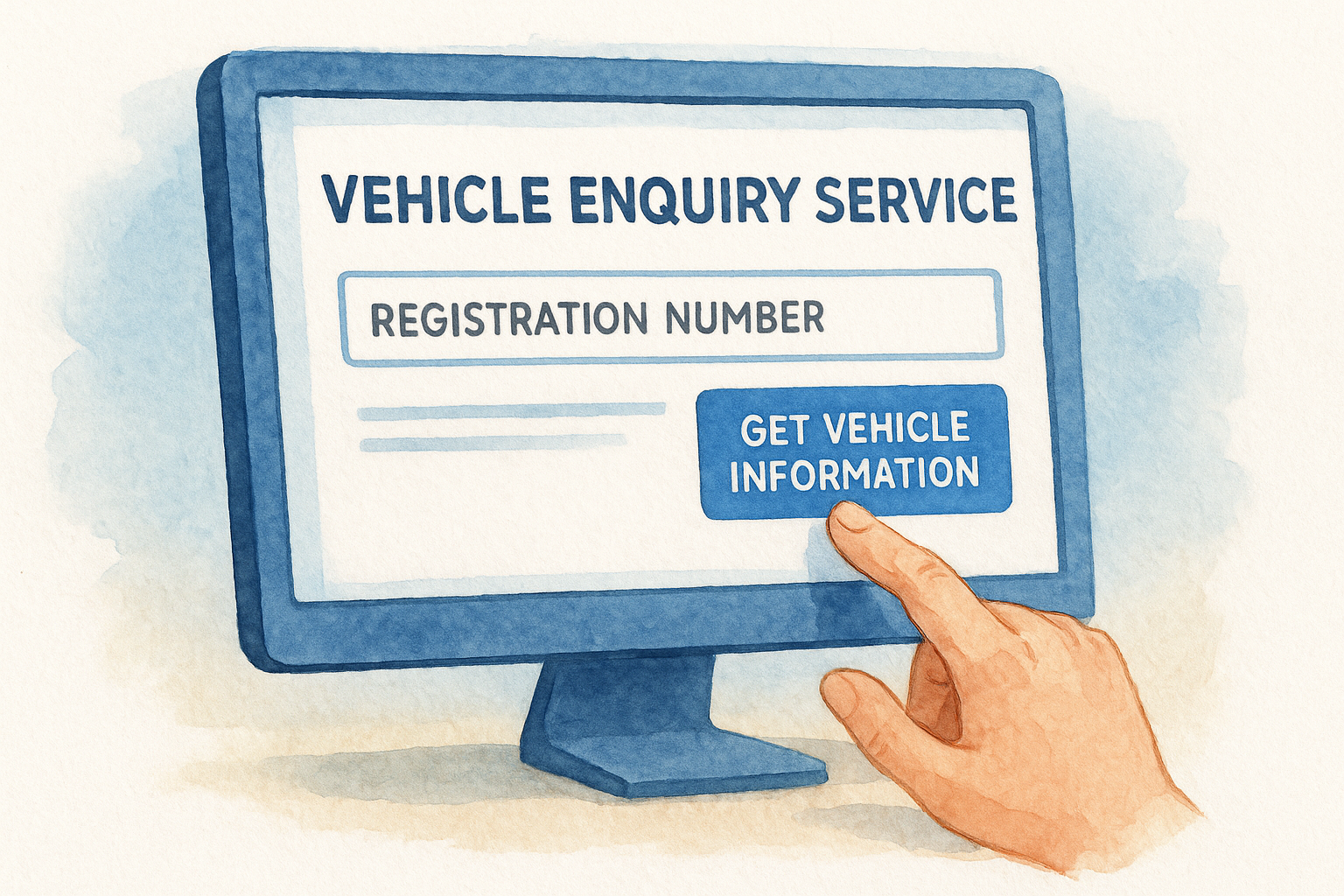
The check works on any UK-registered vehicle, including motorcycles, vans, and light commercial vehicles, not just cars.
Here's the full process in order:
- Open gov.uk/check-vehicle-tax in your browser
- Type the full registration number exactly as it appears on the plate
- Click Get vehicle information
- Review the tax status, SORN status, and registration details on screen
Reading the results
The page returns results within seconds. Check that the make, colour, and engine size all match what the seller described. Any mismatch is worth questioning before you go further.
Pay particular attention to tax expiry date. If the tax has lapsed, driving the car on a public road is illegal, and that liability transfers to you the moment you take ownership. Raise it with the seller before agreeing to anything.
Step 2. Check MOT status and history
The MOT history checker is a separate free tool from the Vehicle Enquiry Service, and it gives you far more detail than a basic tax check. Running this MOT check, or a full vehicle MOT history check, as part of your dvla vehicle check free routine takes under two minutes and often reveals more about a car's condition than a physical inspection alone.
How to access the MOT history checker
Go to gov.uk/check-mot-history and enter the full registration number in the search field, then click Search. This is the same route you'd use for a DVLA MOT check, a car MOT history check, or simply to check MOT status on any UK-registered vehicle. No account is needed. The results load instantly and show every MOT test recorded since 2005, along with each test date, the mileage at the time, the result, and any advisories or failure reasons.
Compare the mileage figures across multiple tests to confirm the odometer reading follows a consistent, believable pattern over the years.
What to look for in the results
Focus first on the mileage progression. If the numbers jump or drop between tests, that is a strong indicator the odometer has been tampered with. A car showing 60,000 miles one year and 45,000 the next has a serious problem that no seller explanation will fix.
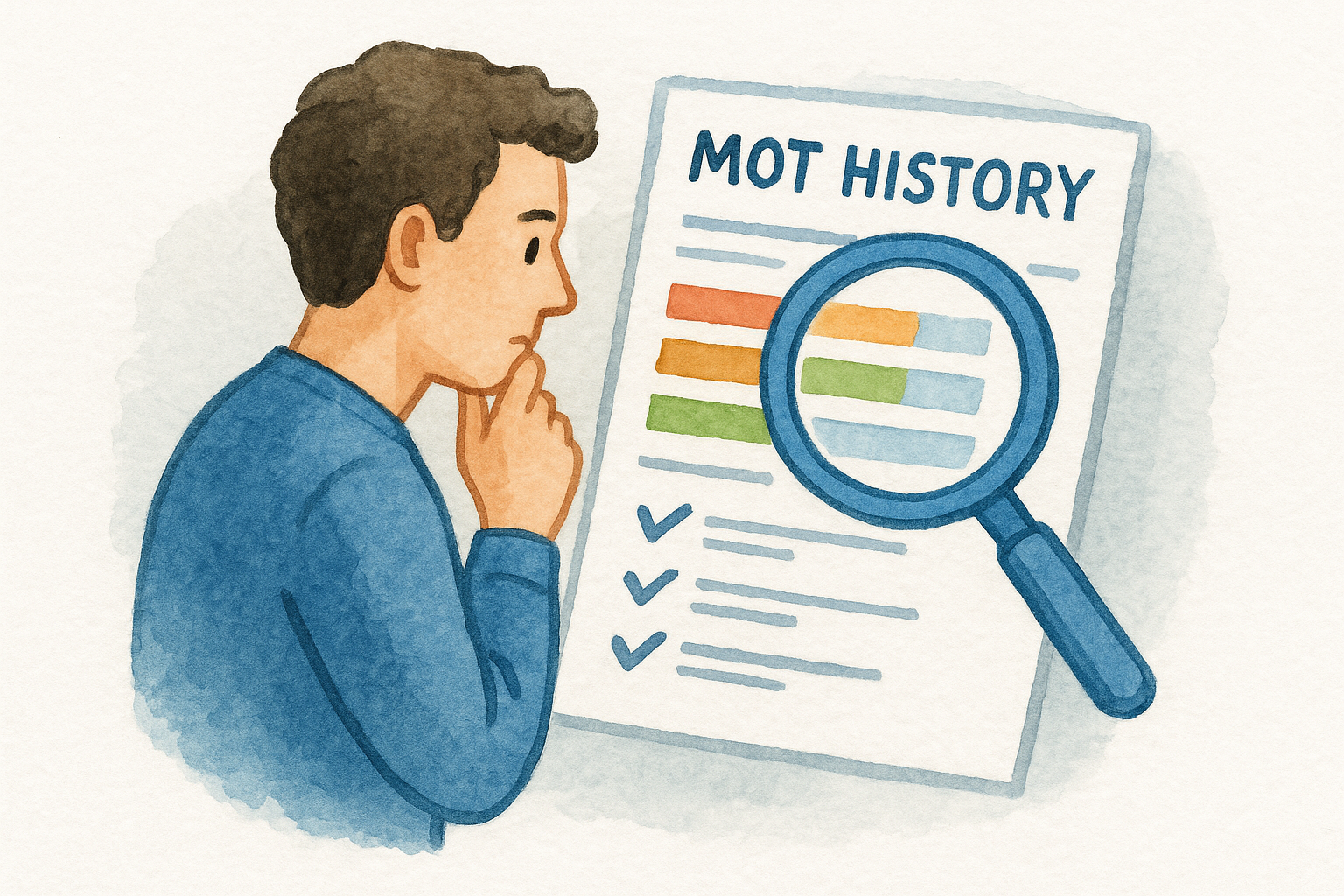
Check the advisory and failure history just as carefully. Advisories flag items that are wearing but not yet at the point of failure. If the same component, such as brake discs or suspension bushes, appears repeatedly across different tests, budget for that repair before you agree on a price. Whether you call it a free MOT check, an MOT history lookup, or a vehicle test history check, the goal is the same: spot the patterns a quick glance at the car won't show you.
Step 3. Check what DVLA does not cover
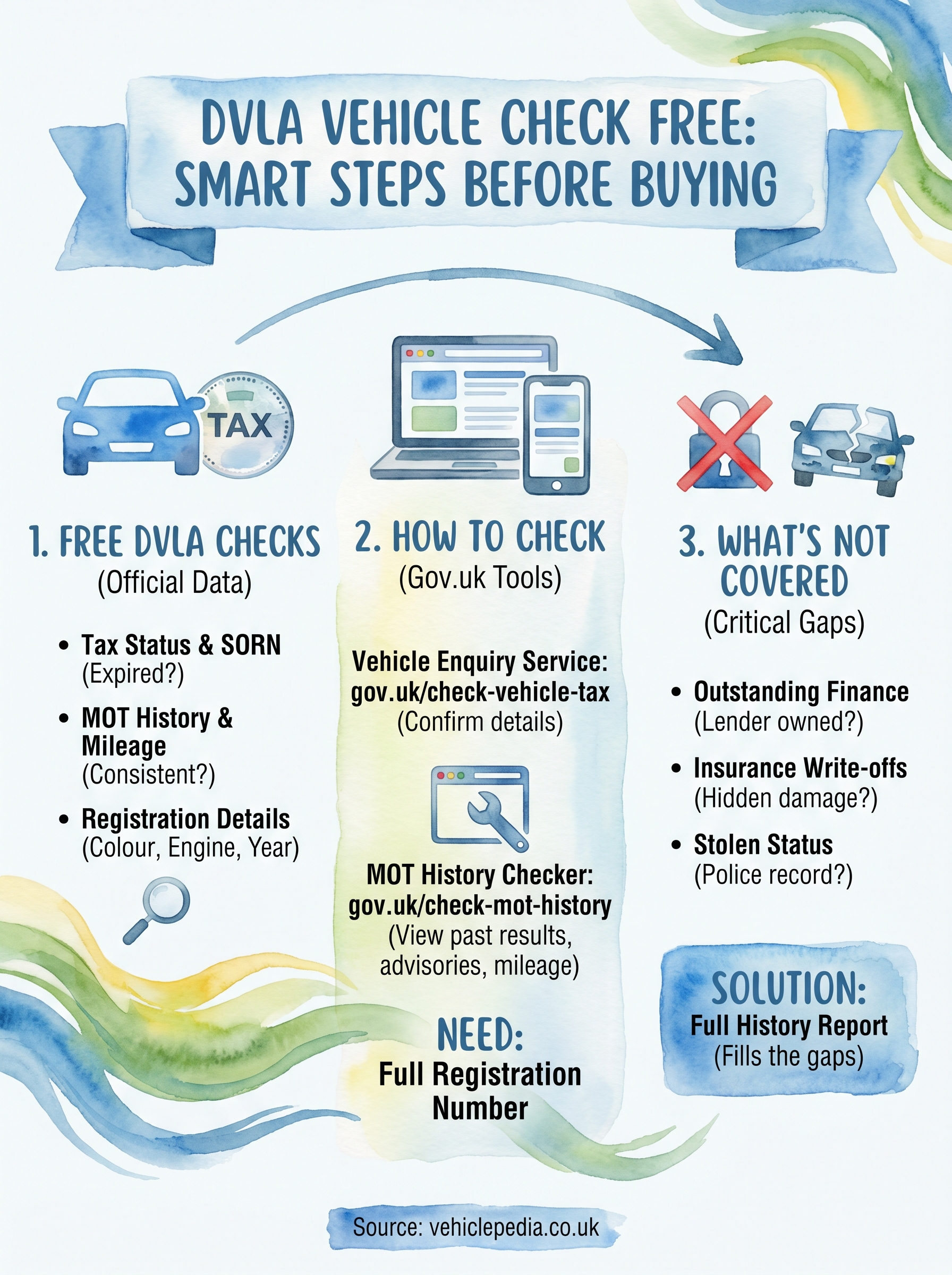
The free dvla vehicle check free tools are genuinely useful, but they have clear limits. The DVLA holds registration and licensing data, not financial or insurance records, so several high-risk problems will not appear in any government check no matter how carefully you read the results.
Finance, write-offs, and stolen status
Three issues in particular sit entirely outside what the DVLA tracks. A car can have outstanding finance owed to a lender, meaning the lender technically owns it and can repossess it even after you buy it. A vehicle can also be recorded as written-off by an insurer following accident damage, and that record sits on insurance databases, not the DVLA. Similarly, a stolen vehicle may still return valid tax and MOT results because the DVLA has no direct link to the Police National Computer.
If you buy a car with outstanding finance against it, you do not own it outright, and the finance company has the legal right to take it back regardless of what you paid the seller.
Where to fill the gaps
A full history report from a service like Vehiclepedia checks all three of these areas alongside the official DVLA data. The table below shows what each source covers:
| Check | Free DVLA tools | Full history report |
|---|---|---|
| Tax and SORN status | Yes | Yes |
| MOT history | Yes | Yes |
| Outstanding finance | No | Yes |
| Write-off records | No | Yes |
| Stolen vehicle check | No | Yes |
Final checks before you buy
Running a dvla vehicle check free through the government tools costs you nothing and takes under five minutes. Use the Vehicle Enquiry Service to confirm tax status and registration details, then cross-reference those results against the MOT history to verify the mileage is consistent and the car has no pattern of recurring faults.
Those two checks handle the official records well. Outstanding finance, write-off status, and stolen vehicle flags sit entirely outside the DVLA's databases, so you need a full history report before you hand over any money. Skipping that step has cost private buyers thousands of pounds on cars they could not legally keep or had to return to a finance company.
Take a look at the sample Vehiclepedia report before you commit to a purchase. Seeing exactly what a full check covers lets you decide whether the extra protection is worth it for the car you are considering, and in most cases, it is.