Check Car Reg For Free: MOT History, Tax Status & Specs UK
Check car reg for free to see MOT history, tax status and specs. Identify mileage clocking and mechanical red flags before buying your next used car.

Check Car Reg For Free: MOT History, Tax Status & Specs UK
Before you hand over any money for a used car, you should check car reg for free to see exactly what you're dealing with. A quick registration lookup reveals a vehicle's MOT history, tax status, mileage records, and technical specifications, all pulled from official UK sources like the DVLA.
The good news? You don't need to pay a penny for this basic information. At Vehiclepedia, we offer one of the most comprehensive free car checks available in the UK, giving you instant access to the details that matter most. Whether you're buying your first car or your fifth, a free reg check is the smartest first step you can take.
This guide walks you through exactly how to check a car's registration for free, what information you'll get back, and how to spot the warning signs that should make you think twice. Let's get into it.
What you can check for free with a UK reg
When you check car reg for free, you get access to a solid range of information about any UK-registered vehicle. This isn't a watered-down preview. The free check pulls data directly from official sources including the DVLA, giving you accurate, up-to-date details you can rely on before you make any decisions.
A free reg check gives you enough information to filter out the obvious problem vehicles before you even go to view one.
Vehicle identity and specifications
The first thing a free reg check confirms is who the car actually is. You'll see the make, model, colour, engine size, fuel type, and the date it was first registered. Sellers sometimes list incorrect details, and cross-checking the reg against those advertised specs takes about ten seconds.
Colour changes are also recorded, so if the car has been resprayed and the seller hasn't mentioned it, that discrepancy shows up straight away. Undisclosed colour changes can indicate accident damage or poor repair work worth investigating further.
MOT history and mileage records
Your free check gives you the full MOT history for the vehicle, including pass and fail dates, advisory notices, and the mileage recorded at each test. This is one of the most useful pieces of information you'll find because it lets you build a clear mileage timeline and catch any inconsistencies before you waste time viewing the car.
For example, if the mileage recorded three MOTs ago is higher than the seller's current advertised figure, that's a serious red flag pointing to potential clocking.
Tax status and SORN
Checking the tax status confirms whether the vehicle is legally taxed and road-legal right now, or whether it's registered as SORN (Statutory Off Road Notification). A SORN vehicle cannot be driven on public roads until it's re-taxed, so knowing this upfront saves you a wasted journey.
The free check also shows the road tax renewal date, so you can factor any upcoming costs into what the car is genuinely worth to you.
Step 1. Get the reg and confirm the basics
Before you do anything else, locate the vehicle registration number on the car or the seller's listing. In the UK, the current format is two letters followed by two numbers and then three more letters, for example AB12 CDE. You'll find the reg on the number plates at the front and rear of the vehicle, and it also appears on the V5C logbook.
Where to find the reg
The V5C registration document (logbook) is the most reliable place to confirm the reg. The number on the V5C should match the plates physically on the car. If the seller cannot produce a V5C, that itself is a warning sign worth noting before you go any further.
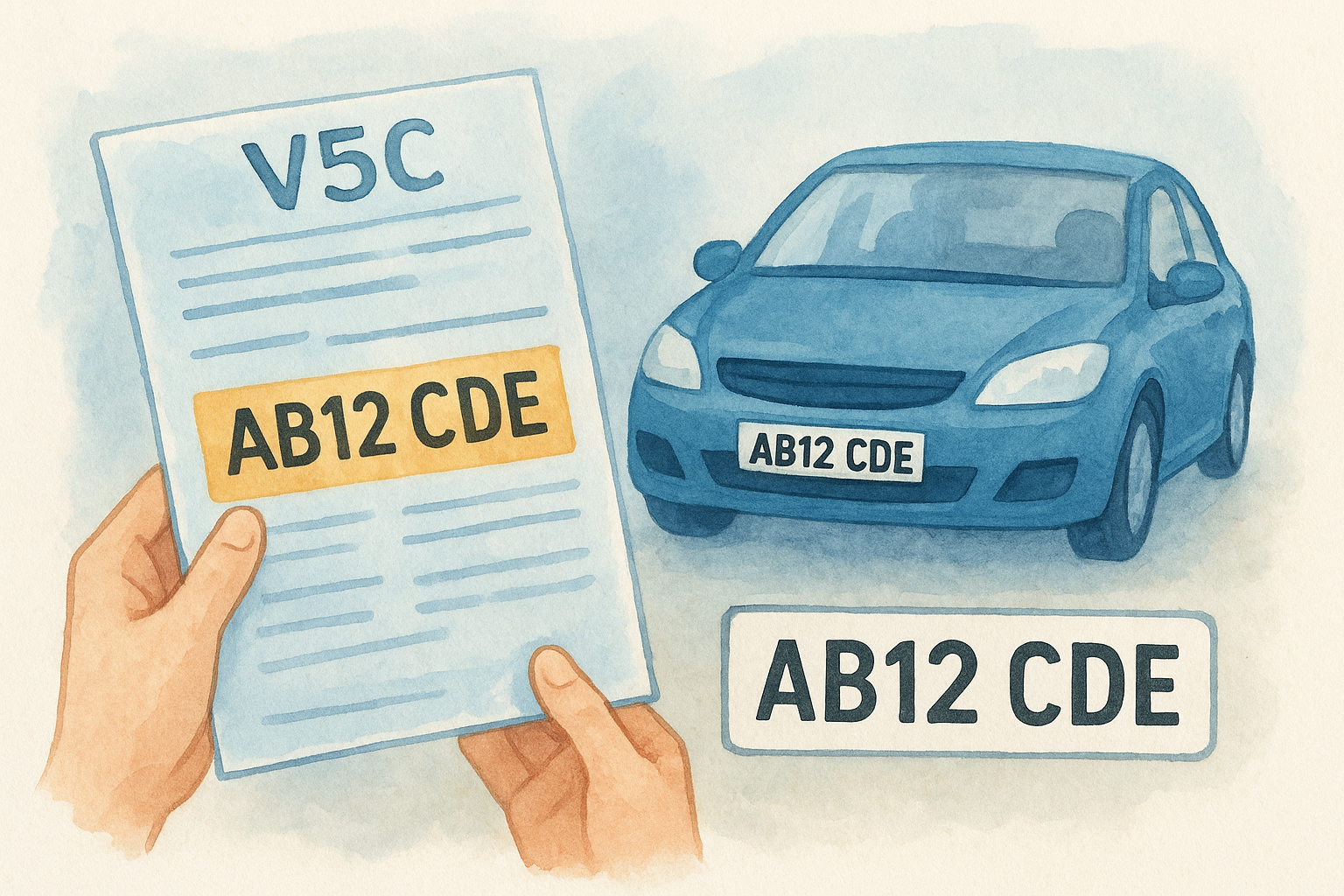
Once you have the reg, head to Vehiclepedia and enter it into the free check tool. The results come back instantly, pulling confirmed data directly from the DVLA.
Cross-check the basics against the advert
When you check car reg for free, compare the results directly against what the seller has advertised. Discrepancies are sometimes innocent, but they can also point to a misrepresentation worth investigating further.
If the colour on the DVLA record differs from the car in front of you, ask the seller directly and expect a clear explanation.
Run through these four key data points as a minimum:
- Make and model
- Fuel type and engine size
- Colour (including any recorded changes)
- Year of first registration
Step 2. Check MOT status and MOT history
Once you've confirmed the basic details, move straight to the MOT section of your free reg check. This is where the vehicle's roadworthiness record lives, and it gives you far more insight than a seller's description ever will.
What the MOT status tells you
The MOT status confirms whether the vehicle currently has a valid MOT certificate and shows the exact expiry date. If the MOT has expired, the car cannot legally be driven on public roads unless it is travelling to a pre-booked MOT test. A missing or expired MOT is not automatically a dealbreaker, but it means additional cost and uncertainty you need to account for before you agree on a price.
An MOT that expires within the next month is worth flagging with the seller, since it shifts a known cost directly onto you.
Reading the MOT history
The MOT history is where you check car reg for free and get real value. Each recorded test shows the date, the outcome, any advisory notices, and the mileage at the time of testing. Work through the records chronologically and build a timeline.
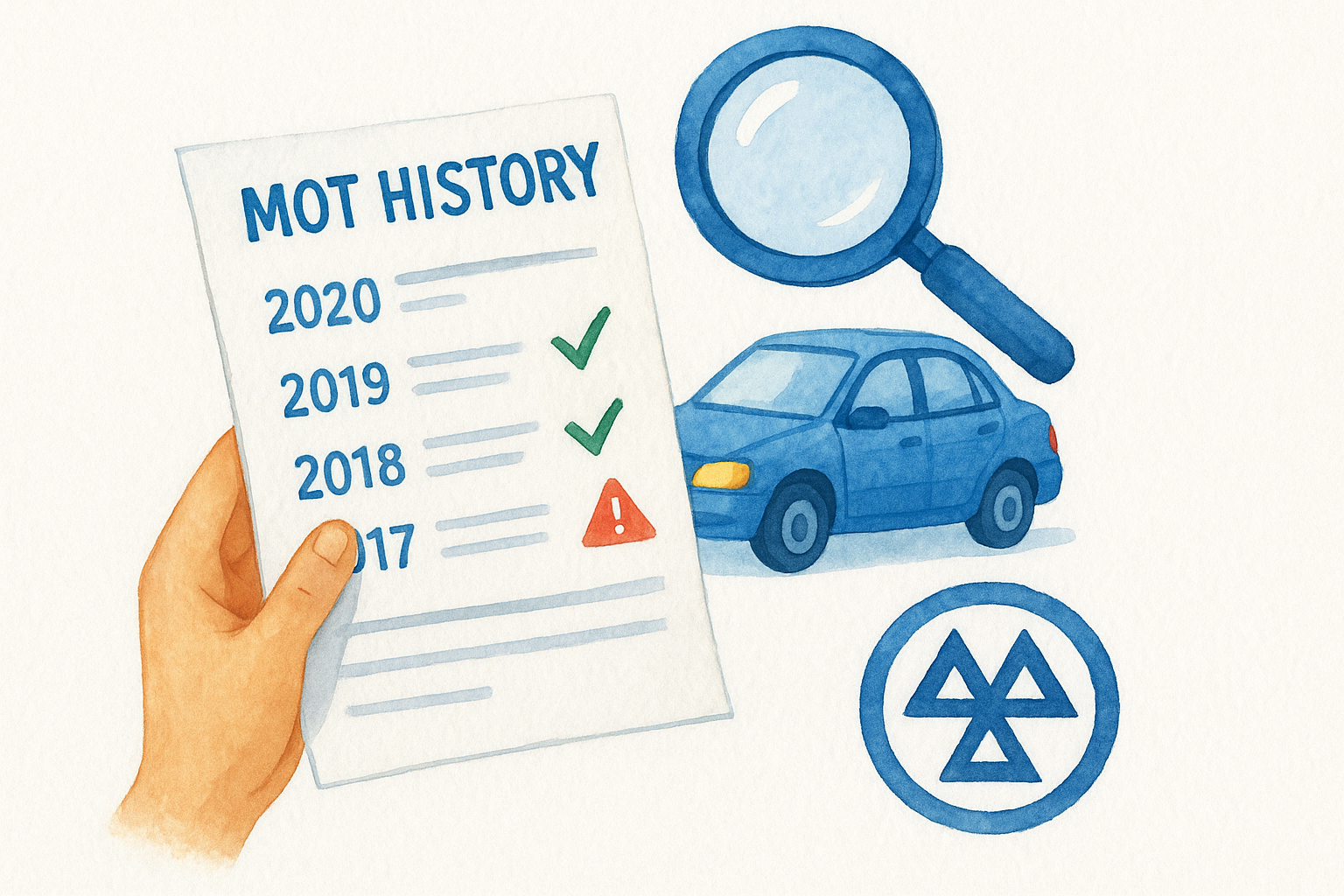
Look specifically for these patterns:
- Mileage dropping or stalling between tests, which suggests potential clocking
- Repeated advisories for the same components, pointing to ongoing neglect
- Recent failure reasons that involve expensive parts like brakes, suspension, or emissions systems
Step 3. Check tax, SORN and key DVLA details
After reviewing the MOT records, scroll to the tax and DVLA section of your free check. This part confirms whether the car is legally road-legal right now and flags any administrative issues that could complicate the purchase.
Understanding tax status
When you check car reg for free, the tax status shows whether the vehicle is currently taxed and the exact renewal date. Unlike MOTs, road tax does not carry over to a new owner automatically. The seller is legally entitled to claim a refund on unused months when they sell, which means you need to tax the car immediately upon purchase before you drive it away.
If the tax expires within weeks of the sale date, factor the renewal cost directly into your price negotiation.
Check these three data points in the tax section:
- Current tax status (taxed or untaxed)
- Tax expiry date
- Annual road tax cost for that vehicle
What SORN means for you
A SORN declaration means the registered keeper has officially told the DVLA the vehicle is off the road. SORN vehicles cannot be driven or parked on a public road legally. If the free check returns a SORN status, ask the seller why it was declared and how long it has been off the road.
Long periods off the road often indicate mechanical problems, storage damage, or a vehicle that hasn't been maintained, all of which warrant a thorough inspection before you proceed.
Step 4. Spot red flags and what to do next
By the time you've worked through the previous steps, you should have a clear picture of the vehicle's history. When you check car reg for free, the data often tells a more honest story than the seller will. Knowing what to look for in that data is what turns a reg check into a genuine protection tool.
The biggest warning signs to watch for
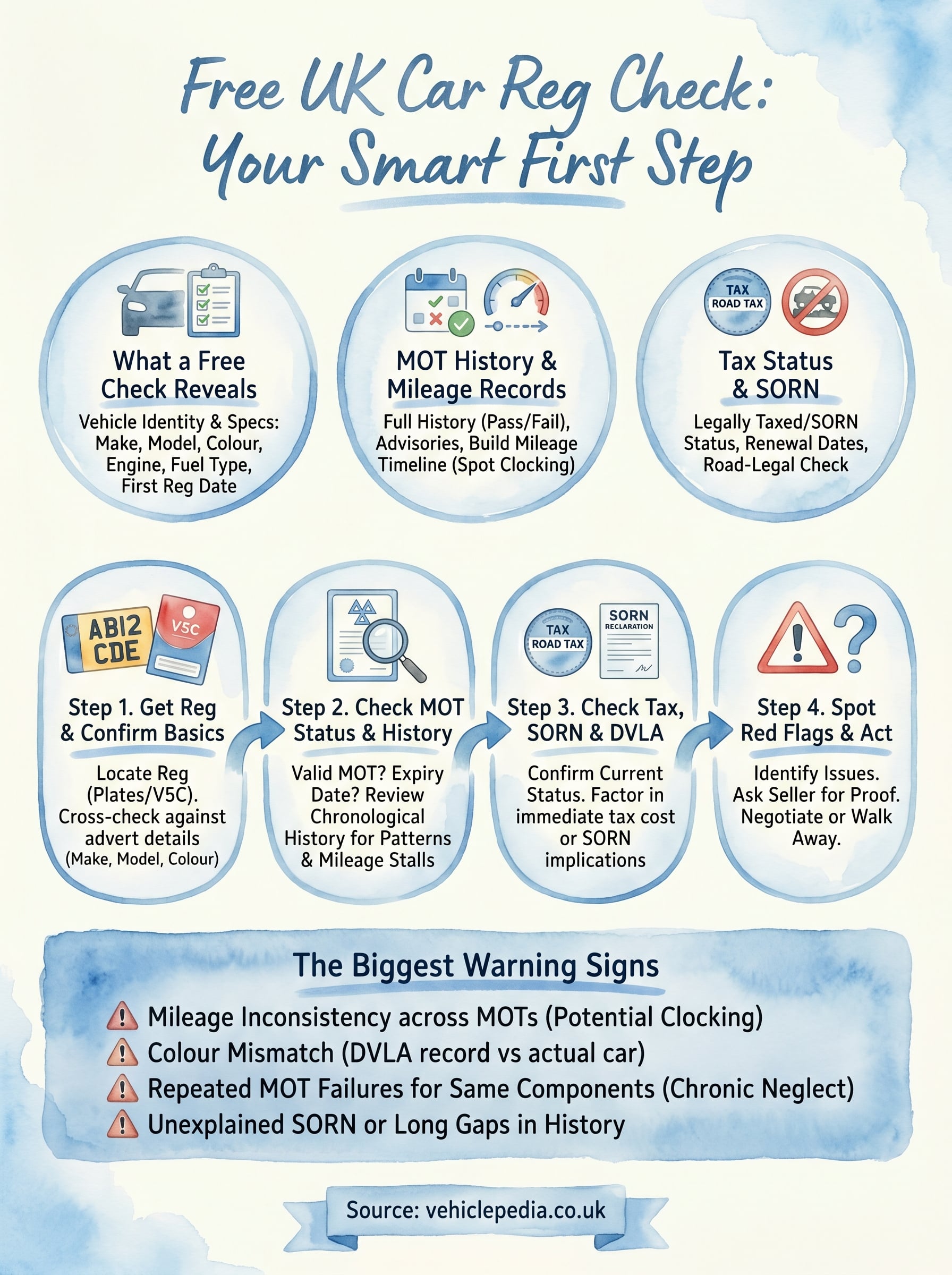
Not every issue in a reg check is a dealbreaker, but some patterns demand immediate attention before you go any further. The following red flags are worth treating as serious concerns:
- Mileage inconsistency across MOT records, which points directly to clocking
- A colour on the DVLA record that does not match the car in front of you
- Repeated MOT failures for the same component, suggesting chronic neglect
- SORN status with no clear explanation from the seller
- A gap of several years in the MOT history, indicating extended time off the road
If you find more than one of these issues in the same check, walk away unless the seller can provide documented proof addressing each one.
What to do when you find a problem
Finding a red flag does not mean the deal is dead, but it does mean you need more information before you proceed. Ask the seller directly about each specific issue and expect documentary evidence, not just verbal reassurance.
If the seller cannot explain a mileage discrepancy or a SORN period, that is your signal to either negotiate a significantly lower price or move on to another vehicle entirely.
Next steps
A free reg check gives you the facts you need to filter out problem vehicles and negotiate from a position of knowledge. When you check car reg for free using Vehiclepedia, you get instant access to MOT history, tax status, mileage records, and key DVLA details without spending a penny.
If everything looks clean and you want to go further before committing to a purchase, a premium report adds written-off status, stolen vehicle checks against the UK Police Database, and a finance check to confirm no outstanding loans are attached to the vehicle. These checks take seconds and come with a £30,000 data guarantee for non-trade buyers.
Before you view any used car, run the reg. It takes under a minute and could save you thousands. View a sample premium report to see exactly what a full check looks like before you decide.