How to Check Car Tax by Registration Number
Learn how to check car tax by registration number, read your results, and tax your vehicle fast with this free car tax checker by reg guide.

How to Check Car Tax by Registration Number
Driving with unpaid road tax is illegal, and it's one of the easiest checks to skip when you're focused on mileage, service history, or the price tag. A car tax checker by reg solves this in seconds, pulling live data straight from the DVLA so you know exactly what you're dealing with before you hand over any money or start driving.
If you want to check car tax by registration, all you need is the number plate. No paperwork, no phone calls, no waiting for a reply from the seller. Enter the reg, and you'll see whether the vehicle is taxed, when that tax runs out, and roughly what it'll cost you to keep it on the road.
This guide walks through exactly how a car tax check registration number lookup works, where to find reliable, official data, and what each result actually means for your next steps. Whether you're buying privately or just want to confirm your own car's status, you'll know precisely what to check and why it matters.
What you need before checking your car tax
Before you run any check, gather a few basics so the result actually means something. Vehiclepedia and the DVLA both work from the same core piece of information: the vehicle's registration plate. Nothing else is strictly required, but a couple of extra details help you interpret what comes back and spot anything that looks off.
The essentials
Grab these before you start:
- The registration number exactly as it appears on the number plate, including spaces
- The vehicle's make and model, so you can confirm the check matches the car in front of you
- A rough idea of the car's age or year of registration, useful for sense-checking tax bands
- Ten minutes and an internet connection, since most checks return results instantly
You don't need the logbook, the MOT certificate, or any DVLA reference numbers for a basic road tax lookup. That paperwork matters for other checks, but a car tax checker by reg only needs the plate.
A number plate and a spare minute are all it takes to confirm a car's tax status.
Why accuracy matters
Double-check the plate before you search. A single mixed-up character, an O read as a 0, or a missing space, will pull up the wrong vehicle entirely. If you're buying privately, take a photo of the actual plate rather than trusting what's written in the advert, since typos in listings are common and you don't want to base a decision on someone else's mistake.
Sellers occasionally quote tax status from memory rather than checking it, so treat any verbal confirmation as a starting point, not proof. Running the car tax check registration number lookup yourself, using the plate you've verified in person, removes that guesswork completely and gives you a result straight from official records rather than secondhand information.
Finally, decide what you actually need from the result. If you're only confirming tax status, the free government checker covers it. If you also want MOT history, mileage records, or a fuller picture of the vehicle before you commit to buying, learning how to check tax and MOT together online saves you running several separate lookups.
Step 1. Find your vehicle's registration number
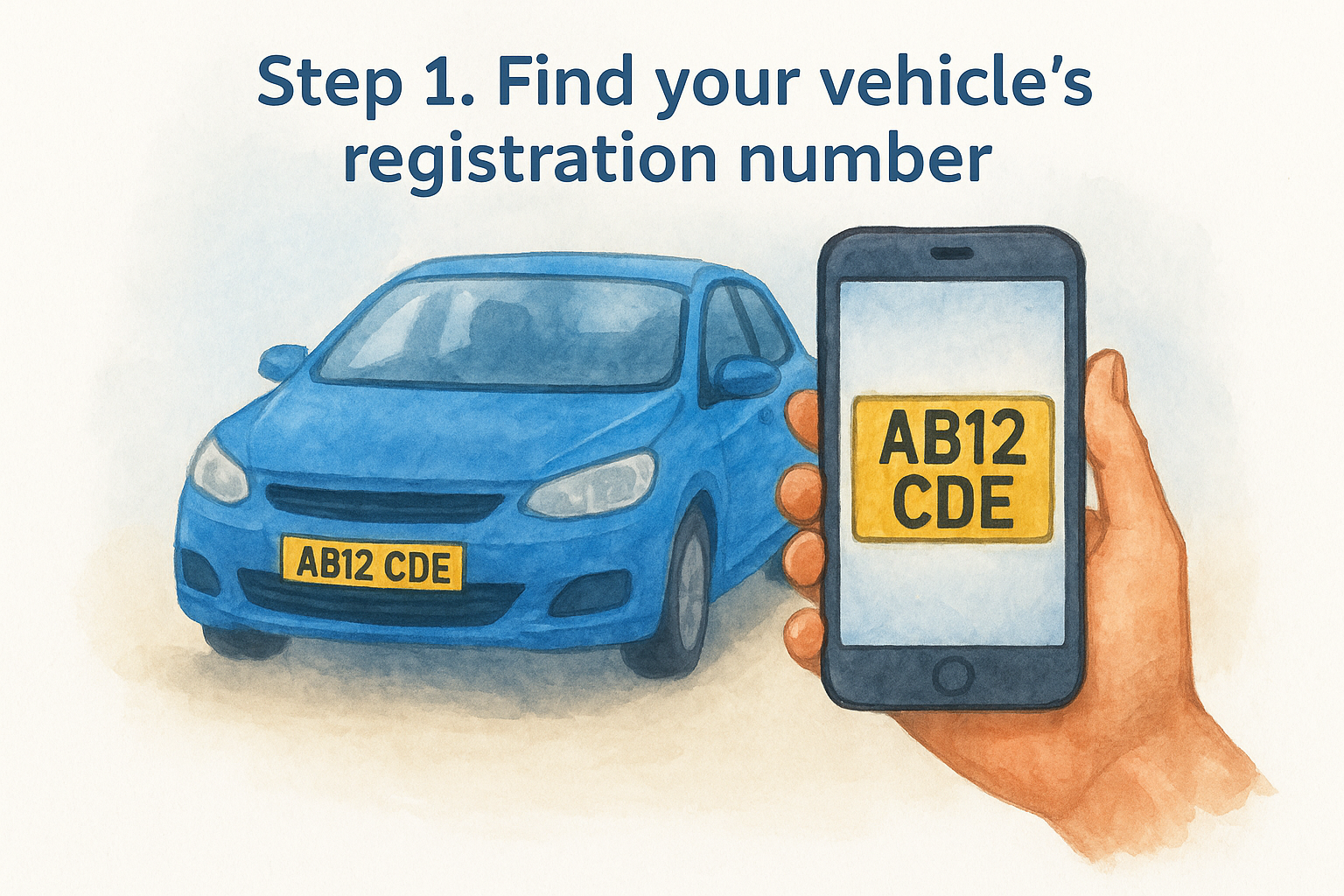
Locate your vehicle's plate first, it's the fastest source since it's physically fixed to the car. Standard UK registrations follow the format AB12 CDE: two letters, two numbers, a space, then three letters. Cars registered before September 2001 use an older pattern, but whichever format you're dealing with, that string of characters is the only input a car tax checker by reg actually needs to run.
Where else to find it
Beyond the plate itself, several documents list the same registration number if you're working from paperwork rather than the car in front of you:
- The V5C logbook, printed in the top corner
- Your insurance certificate or schedule
- A recent MOT certificate
- Any DVLA tax reminder letter
Any of these give you an accurate reference, though matching them against the physical plate is still worth doing before you buy, since paperwork can be mismatched, out of date, or simply belong to a different car than the one you're viewing.
Get it right before you search
Photograph the plate rather than typing it from memory, especially if you're comparing several vehicles in one afternoon. Transposed digits or a missing space send you straight to the wrong vehicle record, and you'll waste time troubleshooting a check car tax by registration result that never matched the car at all.
Get the registration wrong and every result that follows describes someone else's car, not yours.
Verifying the plate now means the next step, entering it into an official checker, returns a result you can actually trust and act on.
Step 2. Enter your reg into an official tax checker
Once you've got the plate confirmed, head to a checker that pulls directly from DVLA records rather than a third party guessing at the data. The official tax checker on GOV.UK is free, takes seconds, and is the same database every dealer and finance company relies on. Type the registration into the search box exactly as it appears on the plate, spaces included, and submit.
Where to run the check
You've got two reliable options for a car tax checker by reg:
- GOV.UK's vehicle tax checker, which shows tax and MOT status in one simple result
- Vehiclepedia's free car tax check, which layers tax status alongside MOT history, mileage, and ownership records in a single report
Stick to one of these rather than an unfamiliar site asking for payment details before showing you anything, since a genuine tax check never requires your card just to see a status.
Never pay upfront for information that GOV.UK gives you for free.
What happens after you submit
Afterwards, the page loads almost instantly, usually well under five seconds, and returns a plain-text summary rather than a downloadable file. There's no login, no account creation, and no personal details required beyond the registration itself. If the plate doesn't return a match, double-check what you typed against the physical plate before assuming the vehicle isn't taxed, since a check car tax by registration search is only as accurate as the input you give it.
Step 3. Read the tax status, expiry date and cost
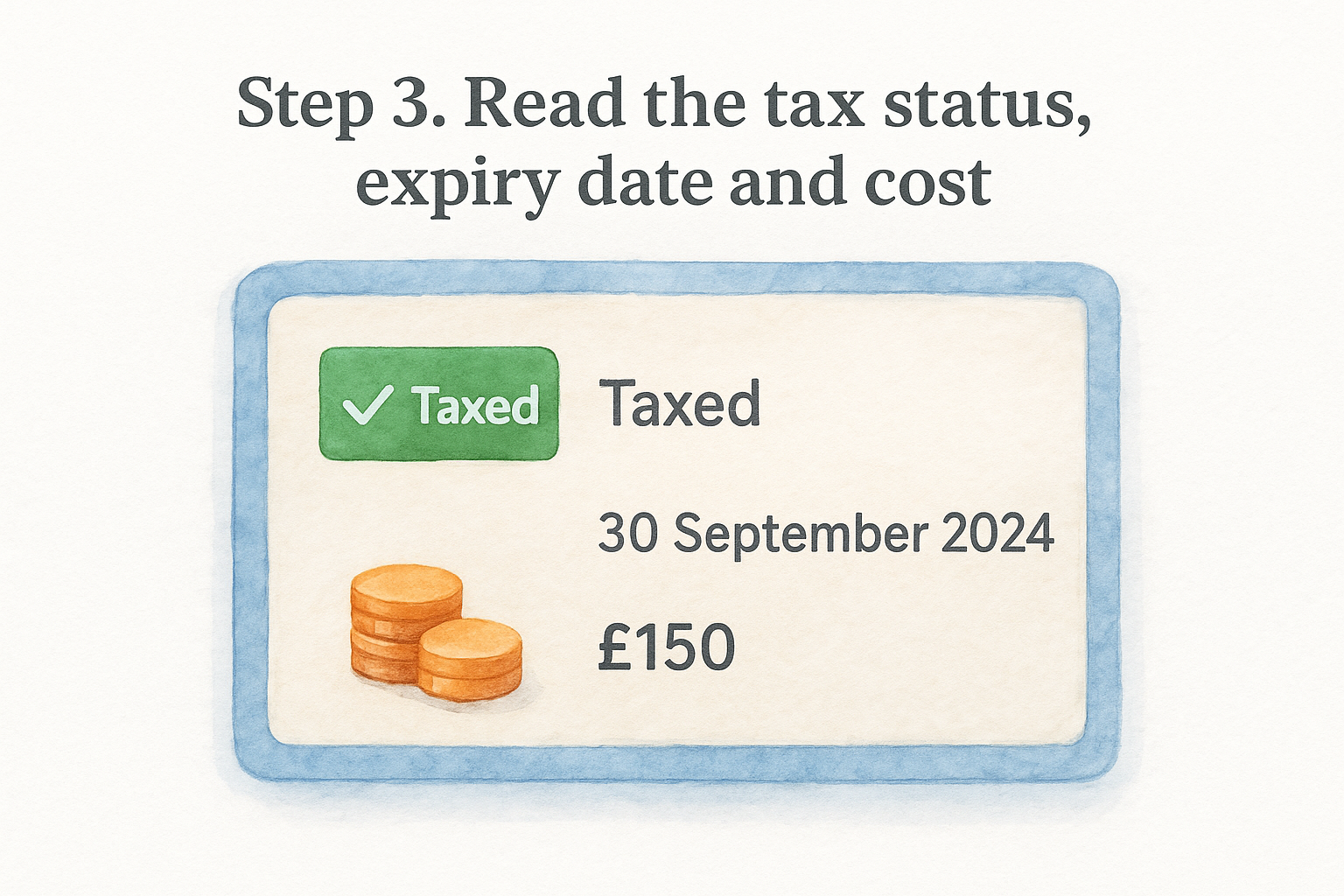
Once the result loads, three pieces of information matter: the tax status, the expiry date, and the running cost. Skim past the vehicle description at the top and go straight to these fields, since they're what actually answers the question you came to ask with a car tax checker by reg.
What the status actually means
Results typically show one of a handful of statuses, and each tax status means something different for what you do next.
| Status shown | What it means |
|---|---|
| Taxed | Currently legal to drive, valid until the expiry date |
| SORN | Declared off-road, illegal to drive on public roads |
| Untaxed | No valid tax, illegal to drive until this is fixed |
Read the status first, since it tells you whether the car is legal to drive today, not just whether it was taxed at some point.
Checking the expiry date
Next, note the exact expiry date rather than assuming a round number. If you're buying the car, this date tells you whether you'll need to tax it yourself the moment you take ownership, since tax doesn't transfer between owners in the UK.
Understanding the cost
Finally, the cost breakdown shows how much car tax costs each year based on the vehicle's fuel type, emissions, and registration date. Older or higher-emission vehicles often sit in pricier bands, well above the cheapest cars to tax, so cross-check this figure against what the seller quoted before you factor it into your budget.
Step 4. Tax your car if it isn't already taxed
If your car tax checker by reg result comes back as untaxed or SORN, tax the car online, by phone or at a Post Office before it goes anywhere near a public road. Driving untaxed carries an automatic fine from the DVLA, and it stacks up the longer you leave it, so this isn't a step worth putting off until next week.
Tax it online in minutes
Head to GOV.UK's vehicle tax service and work through it in this order:
- Enter the registration number
- Confirm the vehicle details match what's on screen
- Choose your payment plan: annual, six-monthly, or monthly by direct debit
- Pay by debit card, credit card, or direct debit
Most drivers finish the whole process in under five minutes, and the tax applies immediately once payment clears.
Fix untaxed status the same day you find it, since fines accumulate the longer a vehicle sits unpaid.
What you'll need to hand
Before you start, have one of these reference numbers ready:
- The 11-digit number from your V5C logbook
- The reference from a DVLA tax reminder letter (V11)
- The green new keeper's slip, if you've just bought the car
Without one of these, the DVLA site won't let you proceed, so track down the right document first rather than getting stuck halfway through the form. If you're buying a used car, remember tax never transfers between owners; the seller's tax dies the moment the sale completes, so you're taxing it fresh regardless of what the previous check car tax by registration result showed.
Keeping your car tax up to date
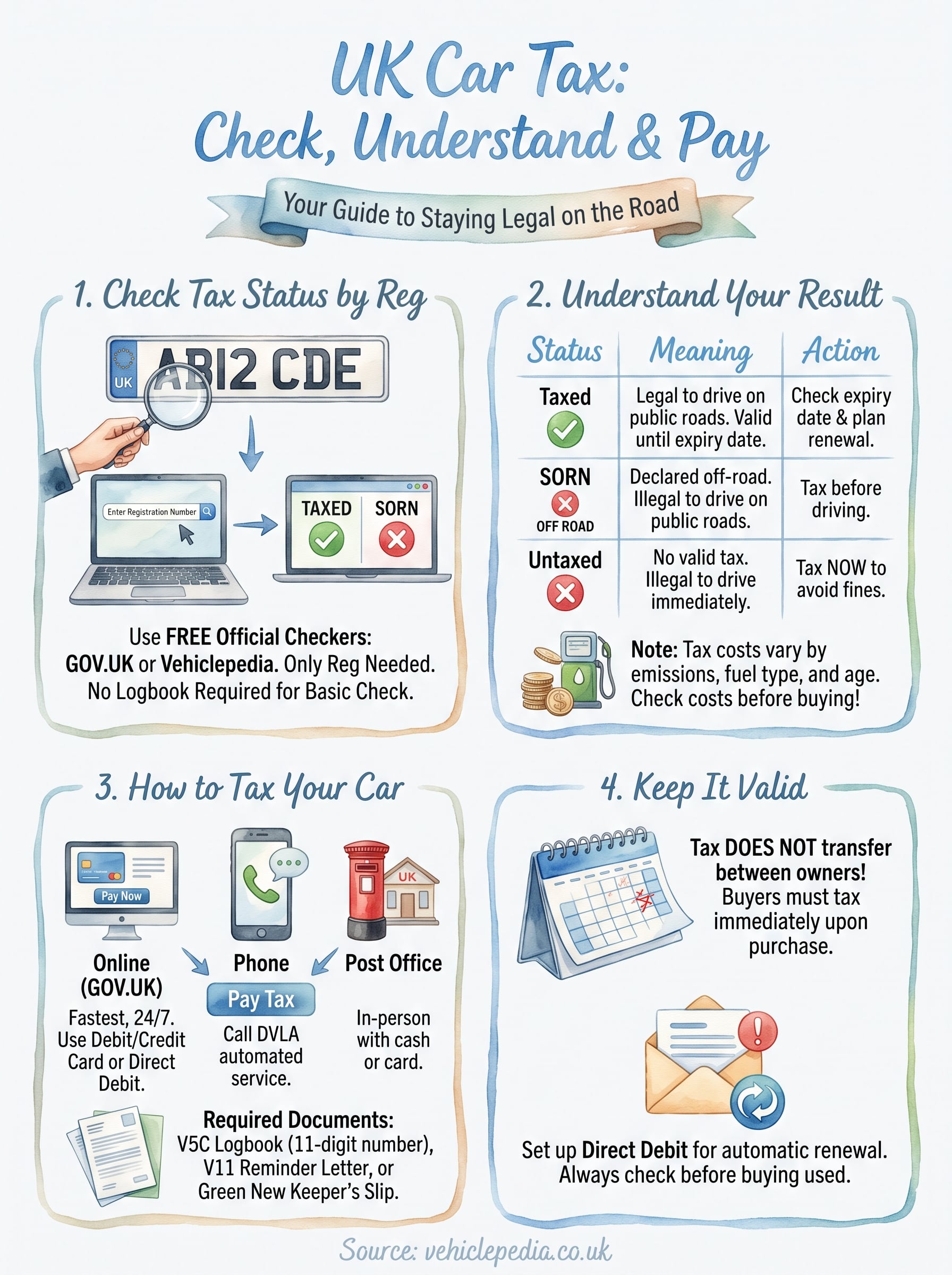
Checking tax status by reg takes less time than reading this article, and it removes any doubt about what you're buying or driving. Run the check, read the status, expiry date and cost, then tax the car straight away if it needs it. That's the whole process, and skipping it is the kind of shortcut that costs far more than the few minutes it saves.
Getting into the habit of running a car tax checker by reg before every purchase, and rechecking your own vehicle whenever a reminder letter goes missing, keeps you clear of fines and awkward surprises. Buying used comes with enough unknowns already; tax status shouldn't be one of them.
If a tax check leaves you wanting the fuller picture, mileage, MOT history, write-off and finance records included, see what a full Vehiclepedia report shows before you commit to a car.