How to Check Used Vehicle History Before You Buy
Learn how to check used vehicle history in six steps—free DVLA data, MOT records, tax status, and premium finance/write-off checks before buying.
How to Check Used Vehicle History Before You Buy
Buying a used car without digging into its past is a gamble. That dent-free bodywork could be hiding a write-off, the mileage on the clock might not match the service history, and there could still be finance owed on it that becomes your problem the moment you hand over cash. Learning to check used vehicle history before you buy is the single best way to avoid inheriting someone else's costly mistake.
The fastest route is a registration plate lookup against official UK records. Within seconds you can see MOT status and expiry, road tax standing, past owners, and whether the vehicle has been imported, exported, or had its colour changed. For a fuller picture, a premium history check adds stolen vehicle status, outstanding finance, and write-off records pulled from police and insurance databases.
This guide walks through exactly what to check, in what order, and which details actually matter when you're standing in front of a car deciding whether to buy it. You'll also see where free data ends and where paying for a proper report earns its keep.
Why you need a vehicle history check before buying
Every year thousands of UK buyers discover, often weeks after driving away, that their "bargain" motor came with baggage. Outstanding finance, hidden write-offs, and clocked mileage are the three problems that catch out the most buyers, and none of them show up from a test drive or a glance at the paintwork. A used vehicle history check exists precisely because a car's condition on the day you view it tells you almost nothing about what's happened to it over the years, or what still legally belongs to a finance company.
The legal risk you can't see
Here's the part most buyers don't realise until it's too late: if a car still has outstanding finance on it when you buy it, the finance company can repossess the vehicle from you, even though you paid for it in good faith. You'd then have to chase the seller for your money back, assuming you can even find them again. This isn't a rare edge case either; finance-related disputes are one of the most common reasons buyers end up in small claims court over a used car purchase.
A car with unpaid finance can be repossessed from you even after you've paid for it in full.
What a history check actually catches
A proper check cross-references the registration against DVLA records, insurance databases, and police records to flag issues that a visual inspection simply cannot reveal. The table below shows what each red flag means for you as a buyer.
| Red flag | What it means | Risk to you |
|---|---|---|
| Outstanding finance | Loan still owed on the car | Vehicle can be repossessed |
| Insurance write-off (Cat N/S) | Previously damaged and repaired | Safety and resale value concerns |
| Stolen marker | Reported stolen, not recovered | Vehicle seized, no compensation |
| Mileage discrepancy | Recorded mileage doesn't match history | Overpaying, hidden wear |
| Import/export record | Vehicle brought in or sent abroad | Missing service history, spec differences |
| Colour change | Repainted or resprayed | Possible accident repair or cloned plate |
Each of these can be checked before you part with a deposit, and most of them cost you nothing to look up through a free registration lookup.
Mileage fraud is more common than you'd think
Odometer fraud, known as clocking, remains widespread across the UK used car market. A car showing 60,000 miles that's actually done 100,000 will look like better value on paper, but you're paying for wear and tear that isn't reflected in the price. Cross-checking the MOT history against the mileage the seller quotes is one of the simplest ways to catch this, since every MOT test records the mileage at that point in time.
Why free data isn't the full picture
Basic registration lookups pull useful details like tax status, MOT expiry, and registration date straight from DVLA records, and that's genuinely helpful for a first pass. But theft markers, finance agreements, and insurance write-off categories sit in separate police and insurer databases that free checks don't touch. That's the gap a premium report is built to close, and it's why serious buyers treat the free check as step one rather than the whole job. You can verify official DVLA vehicle data directly through gov.uk's vehicle enquiry service if you want to confirm what a third-party lookup is showing you.
Getting this sequence right, free check first, then a deeper look at anything that raises questions, saves you from either overpaying for a premium report you didn't need or skipping one you genuinely did.
Step 1. Gather the registration number and seller details
Before you run a single check, get the basics right. You need the vehicle registration number, and ideally the VIN (chassis number), written down exactly as they appear, not guessed from memory after a phone call. A single mixed-up letter or digit will pull up the wrong car entirely, and you'll be making a buying decision based on someone else's vehicle history without even realising it.
What to collect before you go any further
Start with a short checklist before you contact the seller or arrange a viewing. Having this ready means you can run a history check the moment you get the details, rather than scrambling for information while standing on someone's driveway.
- Full registration plate (photograph it from the listing if possible)
- VIN from the listing, if the seller has included it
- Seller's name and whether they're private or a trade dealer
- Where the car is being sold from (postcode or general area)
- Asking price and how long it's been listed
Talking to the seller matters as much as the paperwork
Meeting or messaging the seller before you view the car gives you a second data point to check against whatever the history report tells you. Ask directly how long they've owned the car, why they're selling, and whether there's any outstanding finance on it. A private seller who hesitates or gives a vague answer on finance is a warning sign worth taking seriously.
A seller who avoids a straight answer on finance is telling you something, even if they don't realise it.
Spotting mismatches before you even see the car
Cross-checking what the seller tells you against the listing itself catches inconsistencies early. If the advert says one previous owner but the seller mentions buying it from a dealer who'd already had it serviced twice, something doesn't add up. Note the mileage they quote too, since you'll compare it directly against MOT records in the next step. This is also the point to ask for the V5C logbook reference and confirm the seller's name matches the registered keeper shown on it, since a mismatch here is one of the clearest signs of a car sold on someone else's behalf without full disclosure.
Step 2. Run a free vehicle history check online
With the registration number and VIN in hand, run a free vehicle history check straight away. Head to a UK vehicle history site, enter the plate exactly as it appears on the car, and you'll get a report back within seconds. This is the fastest way to confirm the basics line up with what the seller told you before you invest any more time on the car.
What the free report actually shows you
A good free check pulls live data from DVLA records and should cover the following without asking for payment:
- Make, model, and colour, checked against the car in front of you
- MOT status and expiry date
- Road tax status and cost band
- Registration date and vehicle age
- Engine size and fuel type
- Whether the vehicle has been imported or exported
- Colour change history
Run this check on Vehiclepedia's free lookup tool before you go any further, and keep the result open on your phone so you can compare it against the car when you view it.
Match the report against the listing, not the other way round
Treat the free report as the source of truth and the seller's listing as the thing being tested. If the listing says the car is a 2018 model but the report shows a 2017 registration date, ask why. If the colour shown doesn't match what's parked outside, that's either a respray or a sign you're looking at the wrong car entirely.
Trust the official record over the listing, and question anything that doesn't match.
Where the free check stops short
A free lookup won't tell you about outstanding finance, stolen markers, or insurance write-off categories, because that data sits behind police and insurer records that require a licensed data agreement to access. That's not a flaw in the free check, it's simply outside what it's designed to cover.
| Data point | Free check | Premium report |
|---|---|---|
| MOT and tax status | Yes | Yes |
| Registration and colour history | Yes | Yes |
| Import/export record | Yes | Yes |
| Outstanding finance | No | Yes |
| Stolen vehicle marker | No | Yes |
| Insurance write-off category | No | Yes |
Use the free result to decide whether the car is worth pursuing at all. If everything checks out and you're seriously considering the purchase, that's the point to weigh up a premium report for the checks a free lookup simply can't reach.
Step 3. Check the MOT history and expiry date
Once the basics line up, dig into the MOT history in detail rather than just glancing at the expiry date. Every MOT test result is logged against the registration, and that record includes the mileage recorded at each test, the pass or fail outcome, and any advisories the tester flagged. This is where mileage fraud usually gets caught, because you're comparing a paper trail against what the seller and the odometer are telling you.
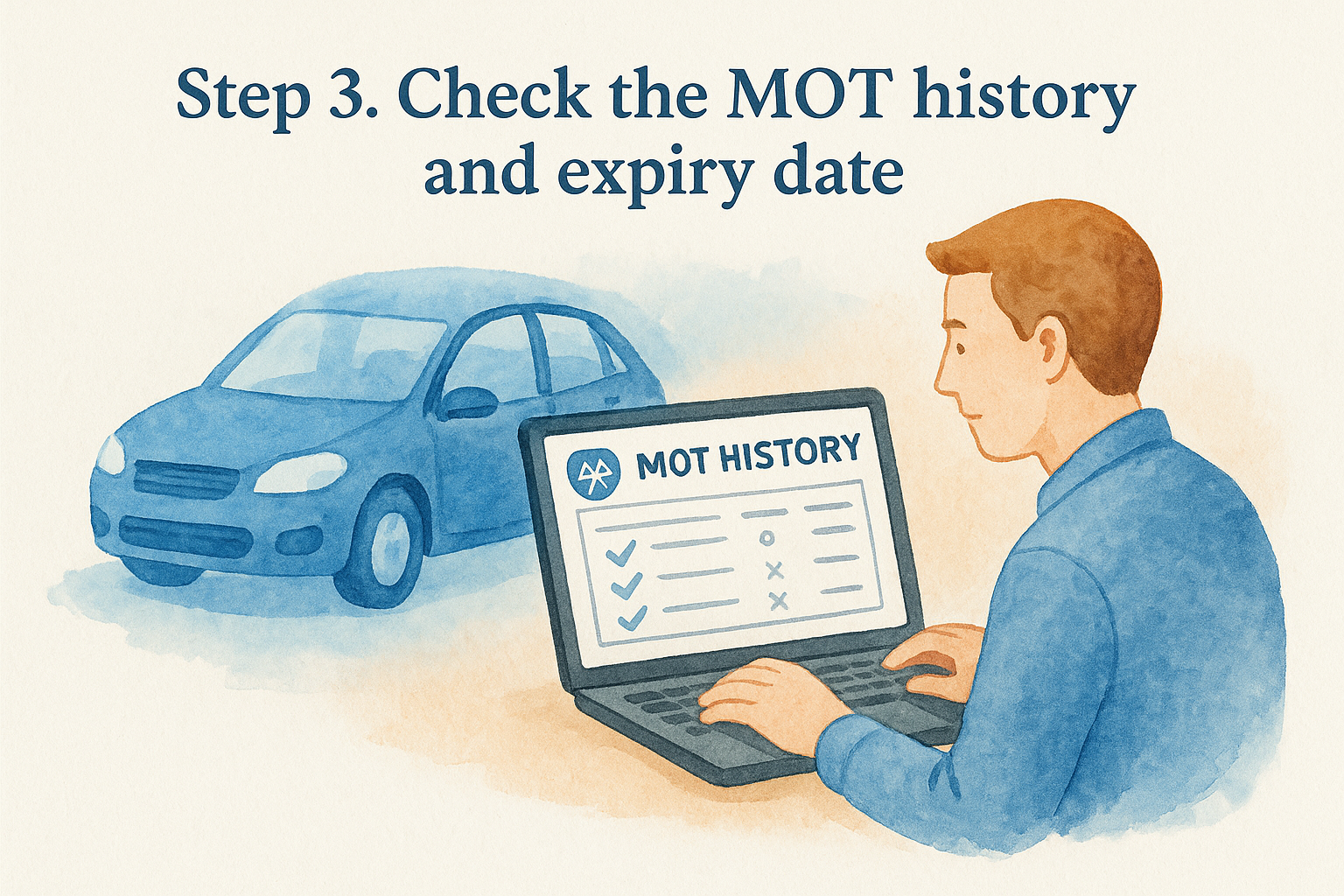
Pulling the full test history, not just the current status
A current pass and a valid expiry date only tell you the car is roadworthy today. The real value sits in the historical record, which shows you patterns the seller might not mention.
- Mileage progression across each test, checked for consistency year on year
- Advisories that were flagged but never repaired, especially recurring ones
- Failures and what caused them, even if the car later passed a retest
- Test dates to confirm there's no unexplained gap in testing
You can check any UK vehicle's official test record directly through gov.uk's MOT history service, which pulls straight from the DVSA database.
Spotting mileage that doesn't add up
Compare the mileage recorded at each MOT against the figure the seller quoted when you spoke to them. A car doing 8,000 to 12,000 miles a year is typical for most private drivers, so a sudden jump, or worse, a drop between two tests, is a clear signal that something's wrong with the odometer or the records.
A mileage figure that drops between two MOT tests is one of the clearest signs of clocking you'll find.
Reading advisories like a mechanic would
Advisories aren't failures, but repeated ones across multiple years point to a problem the seller has been ignoring rather than fixing. A single advisory for worn brake pads is normal wear. The same advisory showing up three years running, alongside a new one for a corroded brake line, tells you maintenance has been neglected rather than deferred.
Checking how close the expiry date really is
Finally, confirm the MOT expiry date against your own timeline. If the test is due within a month or two of your intended purchase, factor the cost of a fresh test, and any likely repair work, into your offer. A car that's just scraped through with several advisories is a different proposition to one that passed cleanly with none, even if both show a valid MOT on the day you view them.
Step 4. Confirm the road tax and SORN status
Once you're satisfied with the MOT record, turn to road tax status. Every vehicle on a UK road needs valid tax unless it's been declared off the road, and buying a car with a tax gap or an unresolved SORN status can leave you scrambling to sort paperwork before you can legally drive it home. A quick check here takes seconds and saves you an awkward call to the DVLA on the day of collection.
What SORN actually means for a buyer
A SORN (Statutory Off Road Notification) means the registered keeper has told the DVLA the car isn't being used or kept on public roads. That's completely legal if the car's sitting in a garage or driveway, but it also means you can't drive it away the moment you buy it, not even to get it home. You'll need to tax it first, which you can only do once you're the registered keeper.
- Check the current tax status shows either Taxed or SORN, never a gap between the two
- If it's SORN, confirm the seller understands you can't drive it away until you've taxed it yourself
- Ask whether the SORN was declared recently or has been in place for months, since a long SORN period often means the car's been sitting unused
A SORN vehicle can't legally leave the driveway under its own power until the new keeper taxes it.
Reading the tax cost as part of the deal
Road tax cost varies significantly by engine size, fuel type, and first registration date, and a free history check will show you the annual cost band for the specific car you're looking at. A diesel registered before April 2017 can sit in a far higher tax band than a similar petrol model registered a year later, so factor that ongoing cost into your budget rather than assuming it matches whatever you're currently paying on your own car.
Confirming the details match before you commit
Cross-reference the tax status shown in your history check against what the seller tells you directly. If they claim the car is taxed but your report shows SORN, that's either outdated information on their end or a sign they haven't been entirely straight with you. You can verify current tax and SORN status yourself through gov.uk's vehicle tax checker, which pulls the same live DVLA data any third-party lookup relies on. Getting this right before you hand over money means no surprise trip to the post office before you can drive your new car anywhere.
Step 5. Check for outstanding finance, theft or write-off records
This is the step where a free lookup runs out of road, and where a premium history check genuinely earns its cost. Outstanding finance, stolen vehicle markers, and insurance write-off categories all sit behind police and insurer databases that require a licensed data agreement to access, which is exactly why they don't appear on a basic registration check. If you're serious about a car, this is the point to pay for a full report rather than hope everything's fine.
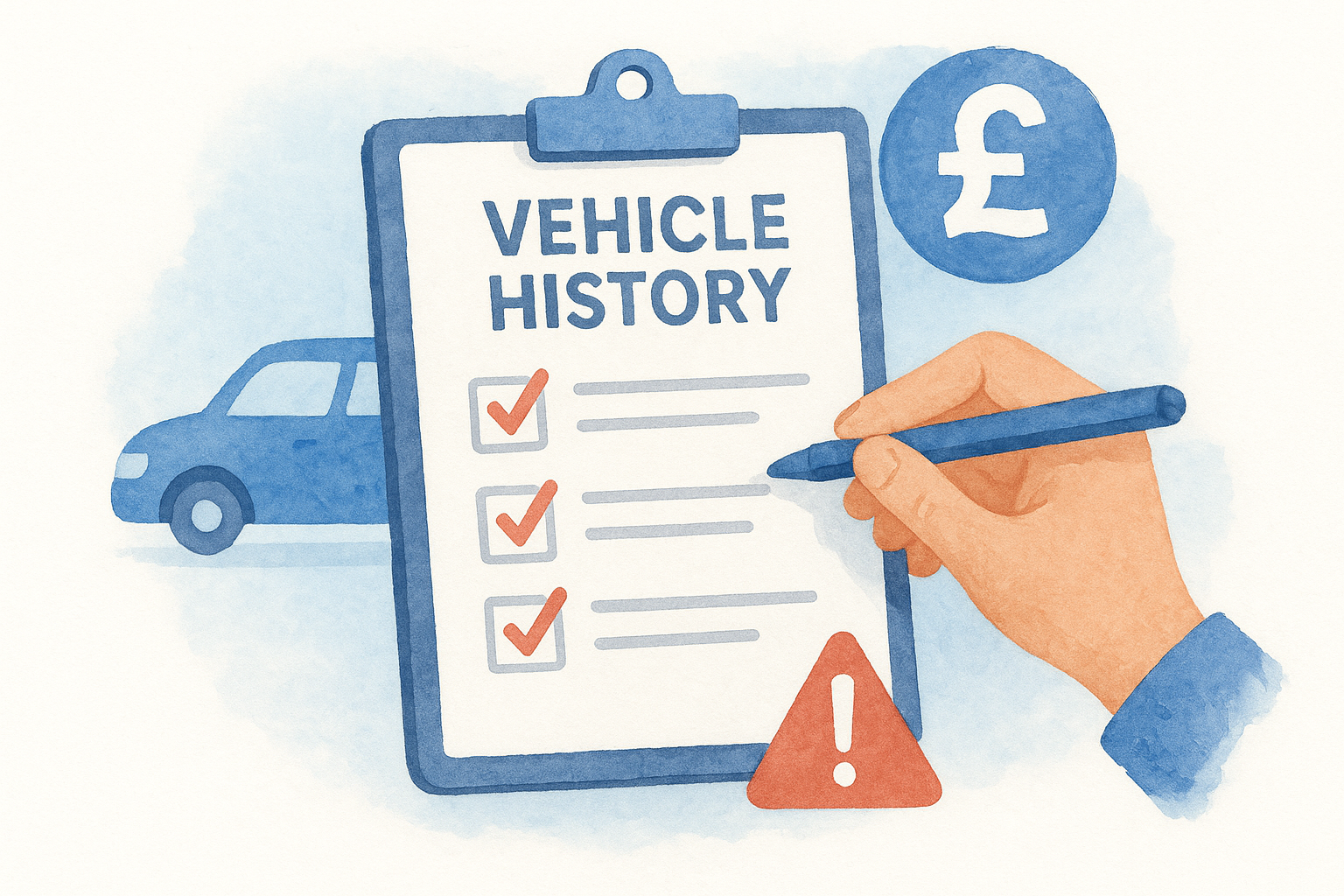
Why these three checks matter more than any other
Each of these red flags carries a financial or legal consequence that's far worse than a failed MOT or an unexpected tax band. Skip this step and you're gambling with money you may never get back.
- Outstanding finance: the finance company can repossess the car from you, even after you've paid in full
- Stolen marker: police can seize the vehicle with no compensation to you as the buyer
- Write-off category (Cat N or Cat S): the car may have hidden structural or electrical damage from a previous accident
A stolen or financed car can be taken from you with no compensation, no matter how much you paid for it.
Running the premium check on Vehiclepedia
A premium report on Vehiclepedia pulls together DVLA data, insurance registers, and the UK Police National Computer to check all three of these markers against the registration in one go. You'll see a clear pass or flag for each category, along with details of who's owed finance if any is outstanding. Vehiclepedia backs its premium reports with a £30,000 data guarantee for non-trade users, so if the data turns out wrong, you're covered. You can preview a sample premium report before you buy one, so you know exactly what you're paying for.
Reading a write-off category correctly
Not every write-off is a disaster, but you need to know which category you're dealing with before you decide. Cat S means structural damage that's been professionally repaired, and the car can be back on the road legally. Cat N means non-structural damage, often cosmetic or electrical, that an insurer wrote off on cost grounds rather than safety. Both should mean a lower price and a closer inspection, never a straight pass.
What to do if something flags
If the report shows outstanding finance, don't proceed until the seller clears it or you get written confirmation from the finance company that it's settled. If it flags stolen, walk away and report it to the police. A write-off category on its own isn't a dealbreaker, but it should trigger a proper inspection, ideally from an independent mechanic, before you go any further.
Step 6. Inspect the V5C logbook and VIN in person
Everything up to this point has been about records. This step is about the physical car in front of you, because a V5C logbook and a matching VIN are your last line of defence against a cloned or misrepresented vehicle. Digital checks confirm what should be true; a hands-on inspection confirms what actually is.
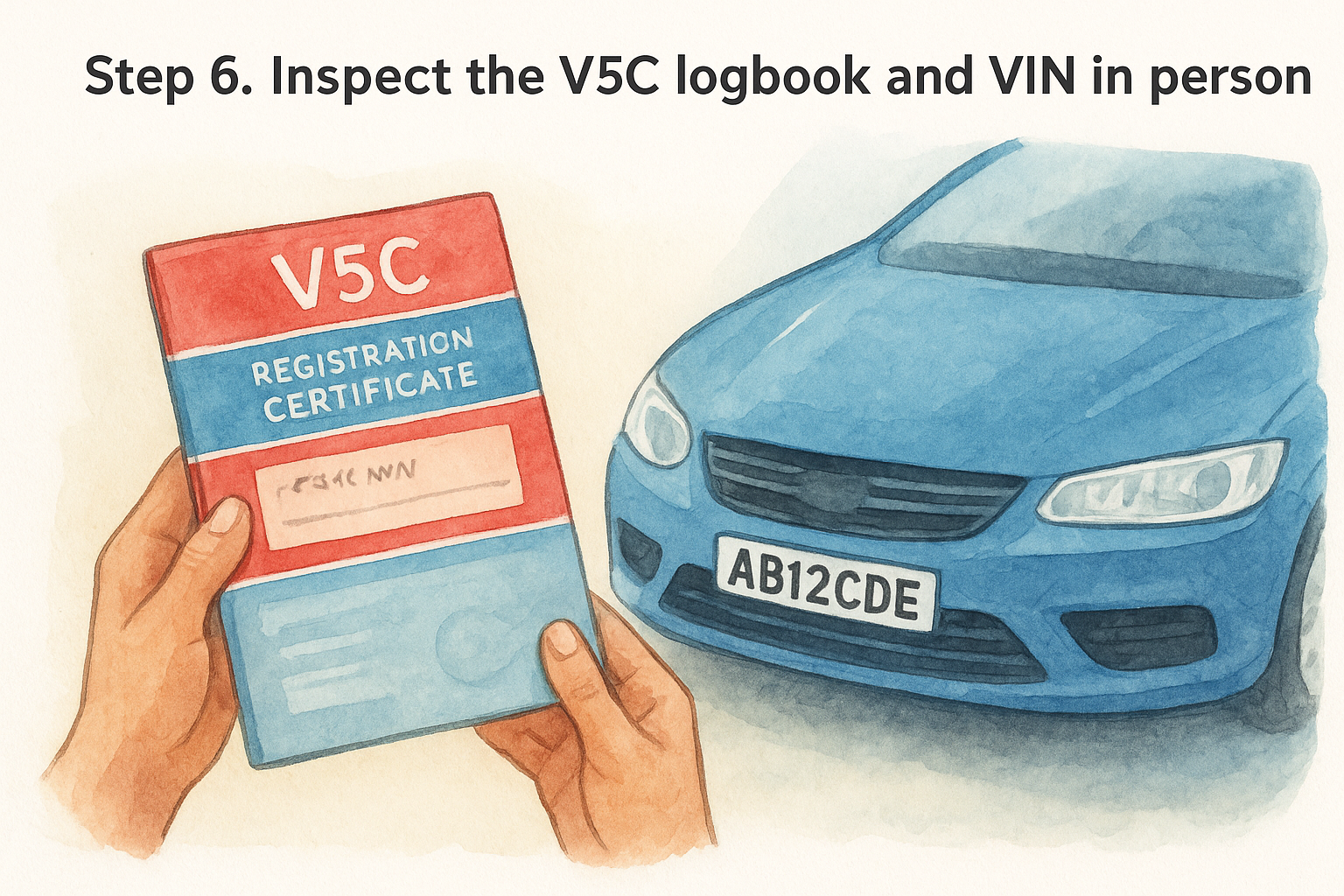
Checking the V5C logbook itself
Ask to see the original V5C logbook, not a photocopy, and check it carefully before you agree to anything.
- Confirm the registered keeper's name matches the person selling the car to you
- Check the watermark is visible when held up to light; a genuine DVLA-issued V5C always has one
- Look at the document reference number in the top corner and note it down
- Confirm the date of registration and colour shown match what your history check reported
- Be wary if the seller only has a new-style V5C issued very recently with no obvious reason why
A logbook with a mismatched name, missing watermark, or a document reference that doesn't tally with a fresh DVLA check is one of the strongest warning signs of a car sold without full legal ownership.
Matching the VIN in three places
The VIN (vehicle identification number) should appear in at least three places on the car, and all three need to match each other and the V5C exactly.
| Location | What to check |
|---|---|
| VIN plate under the bonnet | Stamped or riveted, not a sticker |
| Windscreen (bottom corner) | Etched into the glass |
| Chassis stamp (often under carpet or in door sill) | Original stamping, no re-stamping marks |
If the VIN on the windscreen doesn't match the VIN on the V5C, walk away.
Re-stamped or altered VINs are a hallmark of a stolen or cloned vehicle, and no legitimate seller will object to you checking all three locations.
Confirming the registration plate matches too
Finally, check the number plate itself against the V5C and your history check. A plate that's been swapped onto a different car, known as cloning, lets criminals disguise a stolen vehicle under a legitimate identity. If the physical plate, the VIN, and the V5C all agree with each other and with the report you ran earlier, you can be confident you're buying the car the paperwork says you are, not someone else's problem wearing its number plate.
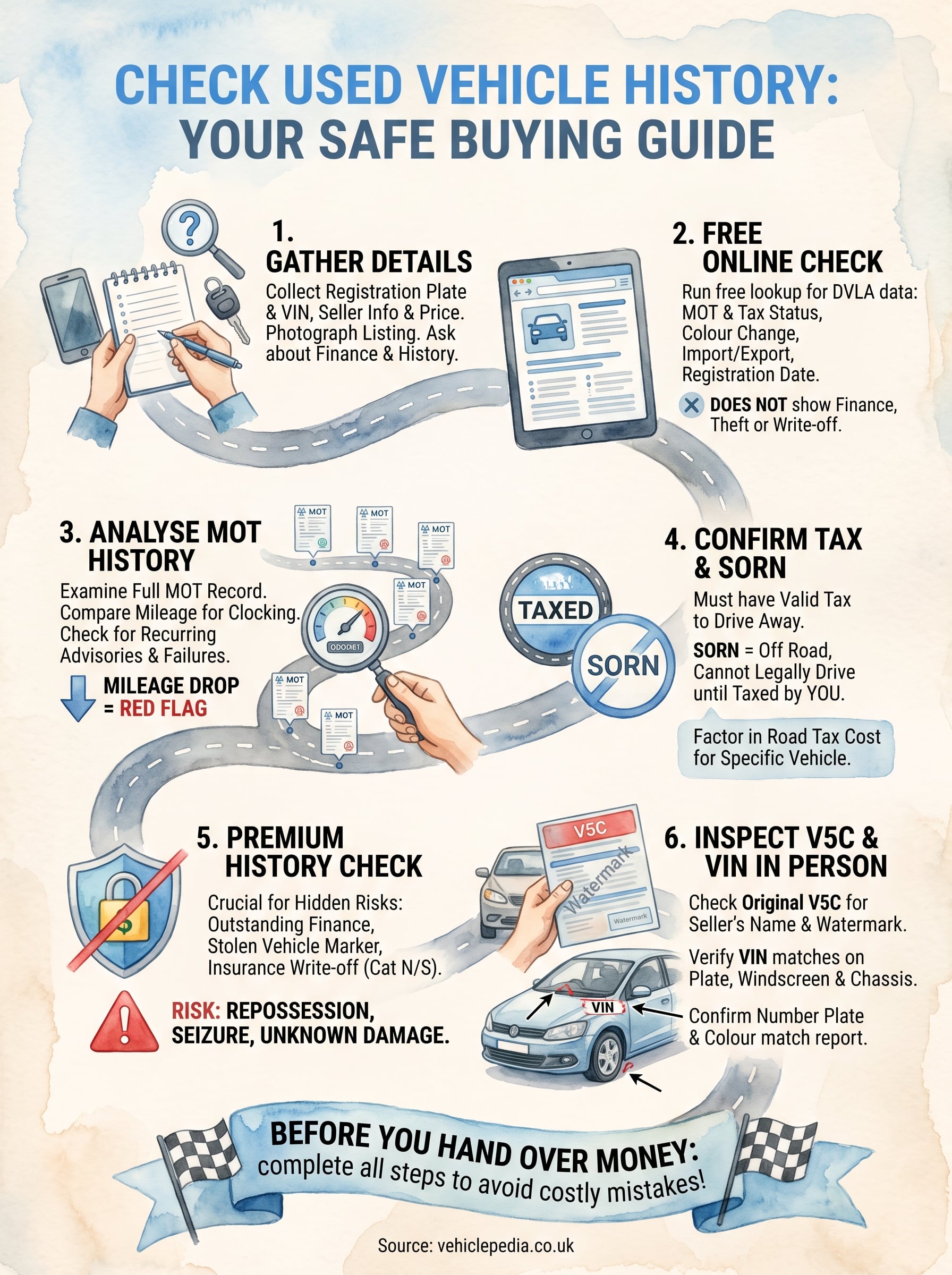
Before you hand over the money
Six steps stand between you and a costly mistake: gather the details, run a free check, dig into the MOT history, confirm tax and SORN, chase down finance and write-off records, then inspect the V5C and VIN yourself. Skip any of these and you're relying on luck rather than evidence. Buyers who check used vehicle history properly rarely get caught out by clocked mileage, hidden finance, or a car that isn't legally the seller's to sell.
None of this takes more than an evening, and most of it is free. The premium report only becomes worth paying for once the free checks and your own eyes have given you good reason to keep going. Before you commit to a car this weekend, run the numbers and see exactly what's covered on our pricing page, then decide how far you need to go before you hand over a penny.